
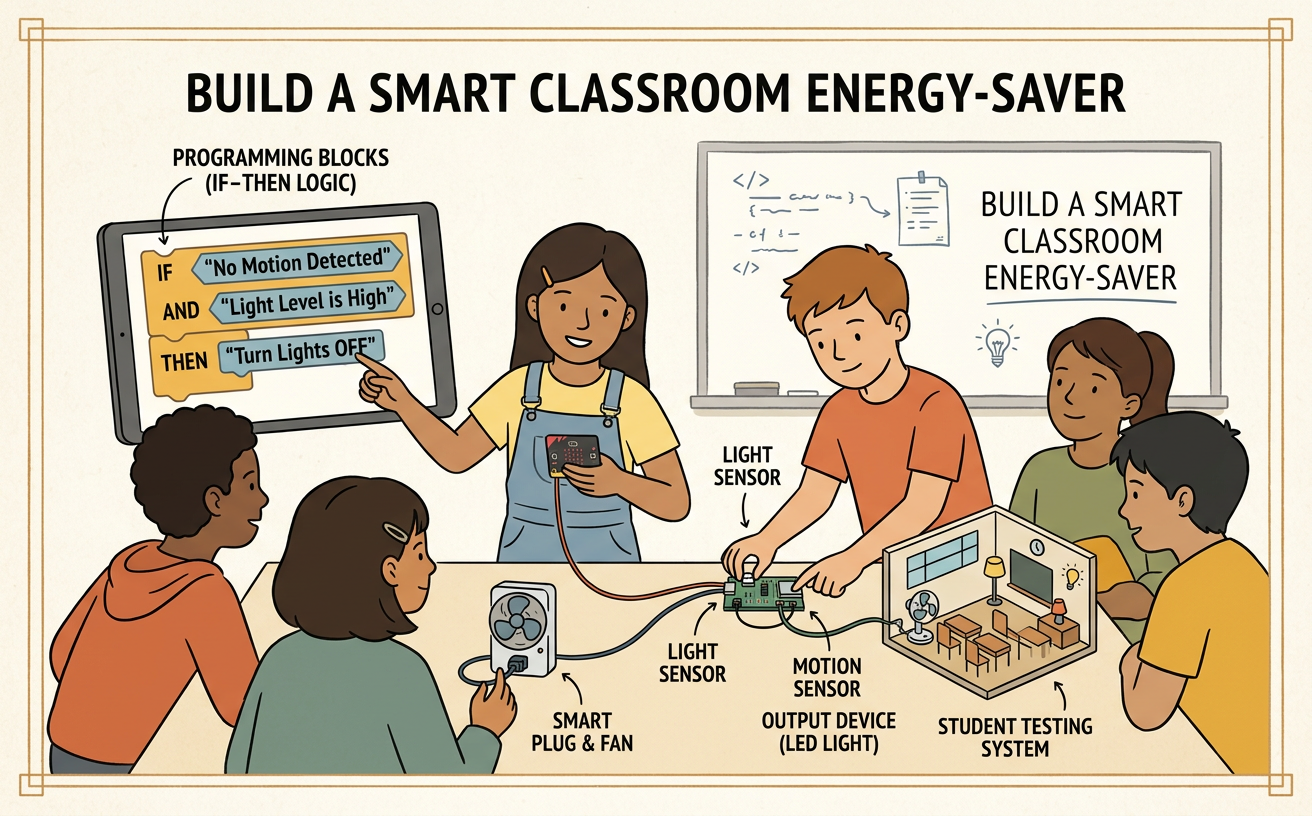
Build a Smart Classroom Energy-Saver
Students create and test an event-and-condition program that turns classroom lights or devices off when they are not needed.
Illustrations are auto-generated and may be placeholders. They can be refreshed to match the narration.
Identify the Energy Problem
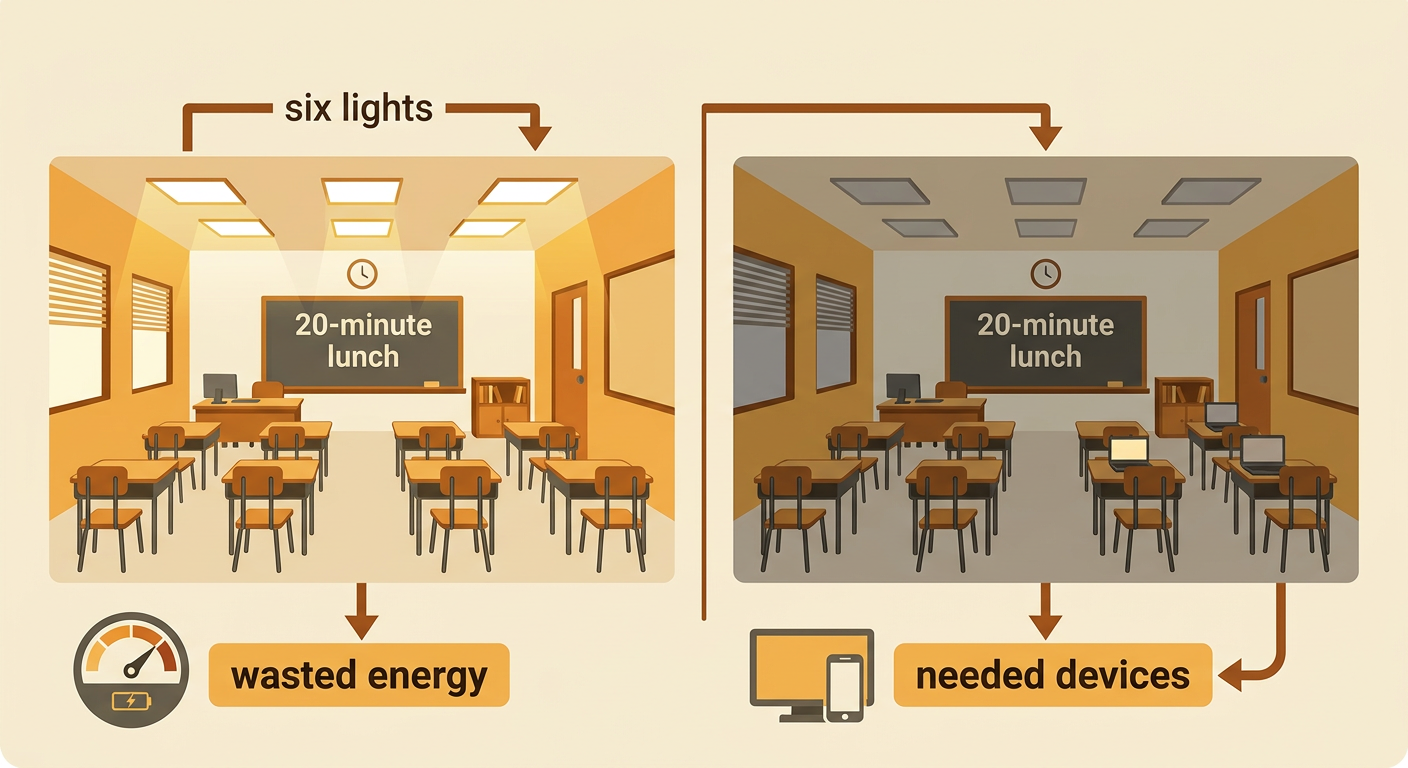
Classroom lights and devices use energy whenever they are on, even when nobody needs them. Begin by observing safe examples, such as lights left on during recess or a display running after class. Do not touch outlets, cords, or electrical equipment; the teacher controls real devices. Discuss who is affected and what the class wants to change. For example, the class may notice that six lights stay on during a 20-minute lunch period. Turning them off could reduce wasted energy, but a dark room might be unsafe if someone enters. Compare the benefits and costs of individual choices. Switching off an unused light saves energy, while forgetting to turn it back on can make work difficult. Define the problem as keeping needed devices available while turning off unneeded ones.
Explore Events and Conditions
A smart program uses events and conditions to decide when to act. An event is something the computer notices, such as a timer reaching 10 minutes, a button being pressed, or a motion sensor detecting movement. A condition is a statement that can be true or false. For example, the condition “no motion is detected” is true when the room has been still. An action is what the program does next. A useful rule could be: when the timer reaches 10 minutes, if no motion is detected, turn off the lights. If motion is detected, keep the lights on. The event starts the check, but the condition controls the choice. This prevents the program from turning off lights every time the timer ends, including times when students are still working quietly.

Plan the Program
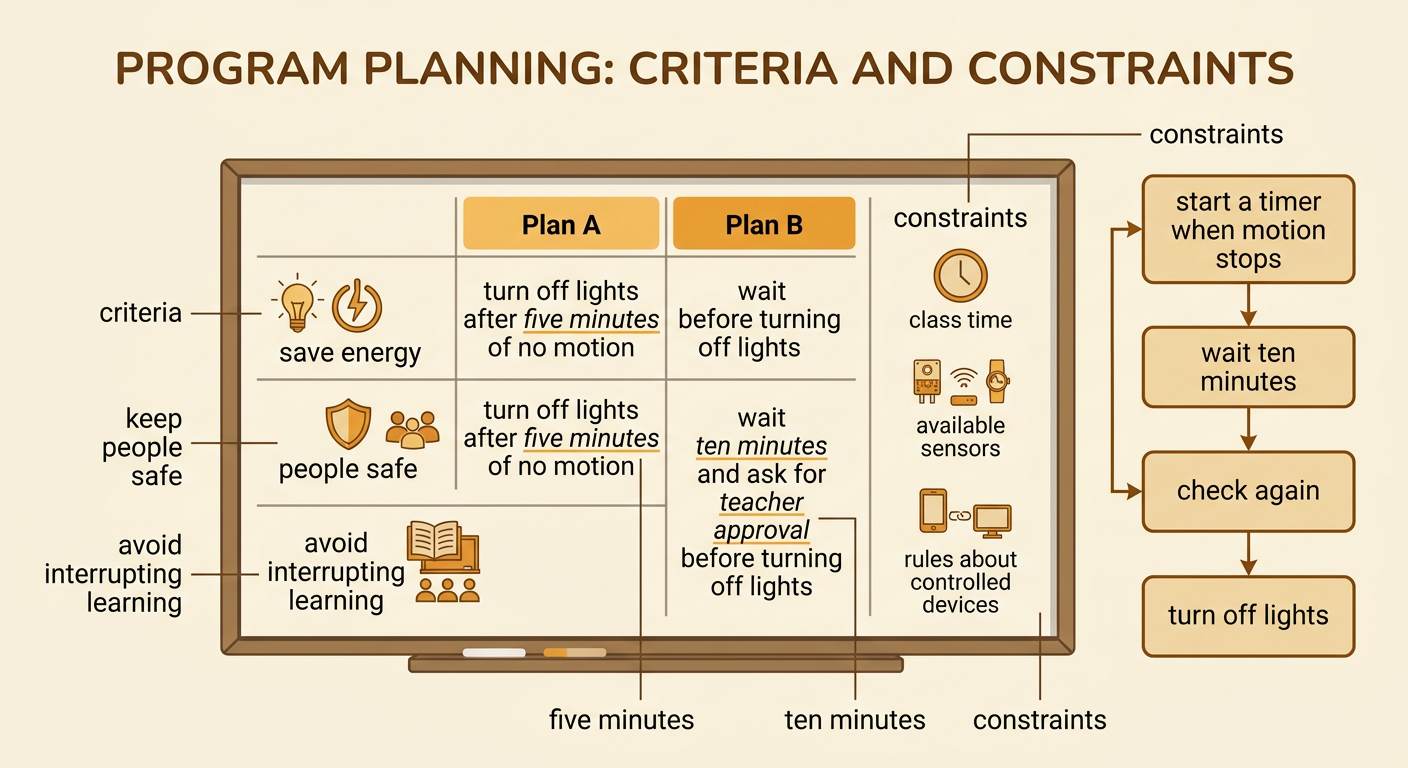
Before building, agree on criteria and constraints. Criteria describe what a successful solution should do. The energy-saver should reduce unnecessary energy use, keep people safe, and avoid interrupting learning. Constraints are limits, such as available sensors, class time, or rules about which devices may be controlled. Work with teammates to compare possible solutions. One plan might turn lights off five minutes after motion stops. Another might wait ten minutes and then ask for teacher approval. The first plan may save more energy, but it could turn lights off while students read quietly. The second plan is safer but requires a person to respond. Choose a plan and write the steps in order. For example: start the timer when no motion is detected; after ten minutes, check again; if the room is still empty, turn off the lights.
Build the Energy-Saver
Use a block-coding tool, classroom robot, or paper simulation to build the planned program. Begin with an event block that starts the program. Add a repeating check so the program continues to monitor the classroom. Inside it, place a condition that asks whether no motion has been detected for the chosen amount of time. If the condition is true, the program sends an action to turn off a model light or change an on-screen light to dark. If it is false, the light stays on. For example, a team might program: when started, repeatedly check the motion signal; if there has been no motion for ten minutes, turn the model light off. Use only teacher-approved models or smart devices. Never connect student projects directly to classroom wiring, outlets, or high-voltage equipment.

Test Different Scenarios
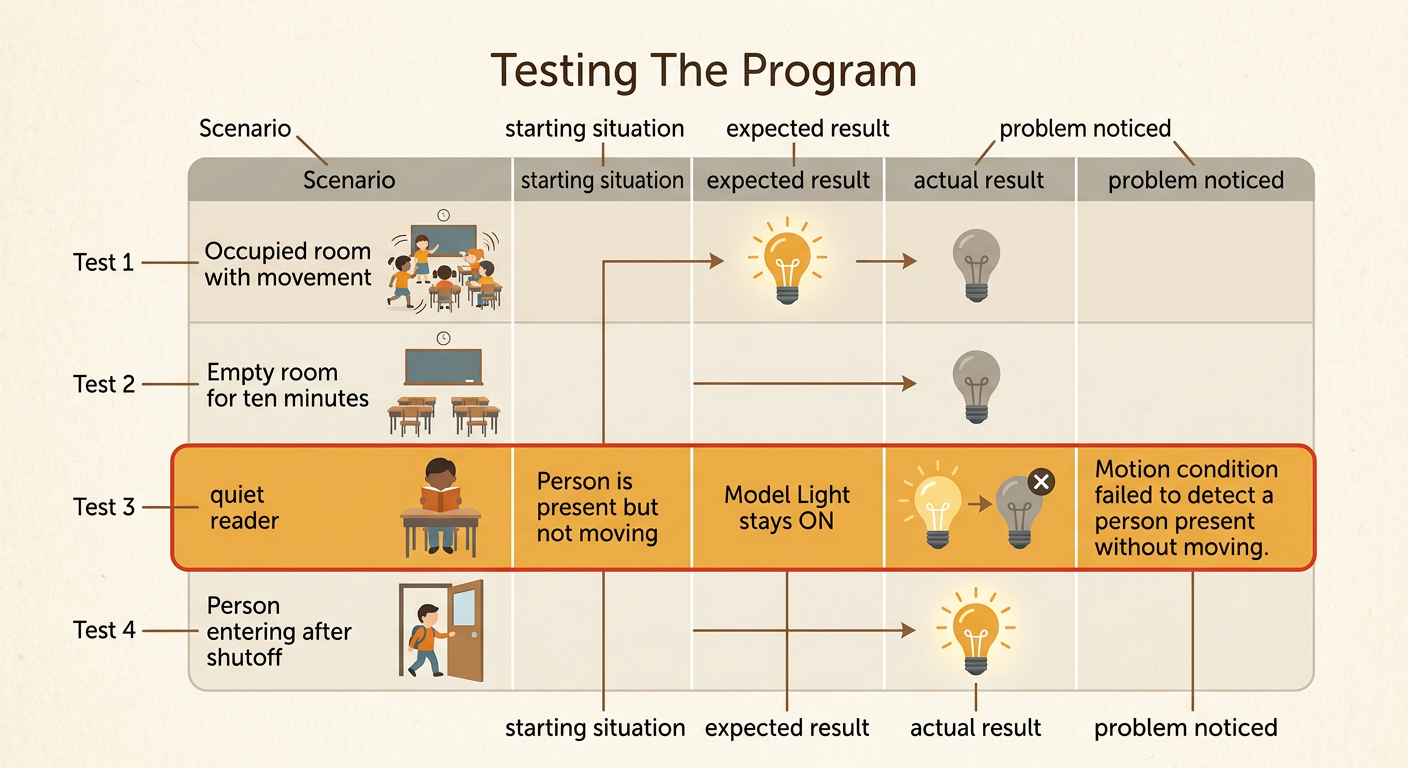
Testing shows whether the program works in different situations. Create a test table with the starting situation, expected result, actual result, and any problem noticed. Include common and unusual scenarios. For example, test an occupied room with frequent movement, an empty room for ten minutes, a student reading without moving, and a person entering after the lights turn off. The expected results might be to keep lights on when the room is occupied, turn them off when it is empty, and turn them on again when someone enters. Run every test the same way so results can be compared fairly. If the light turns off while a quiet reader is present, the condition needs improvement. The team might increase the waiting time, add a desk button, or combine motion information with a door sensor.
Share and Improve
Present the energy-saver to classmates and explain the problem, program rule, test evidence, benefits, and costs. Every team member should contribute by speaking, asking a question, building on another idea, or recording feedback. Listen carefully and refer to evidence rather than simply saying which design you like. For example, one team may report that its five-minute timer saved more model energy units, but it turned off the light during quiet reading. Another team’s ten-minute timer saved fewer units but caused no interruptions. Compare both solutions using the agreed criteria and constraints. Then choose one improvement and explain why it helps. A team might add a warning light that flashes before shutoff, giving a person time to press a button. Test the revised program again to see whether the change improves results without creating a new problem.
