Build and Debug a Robot Path
Students create, test, and improve a sequence of arrow commands that guides a pretend robot through a simple classroom grid.
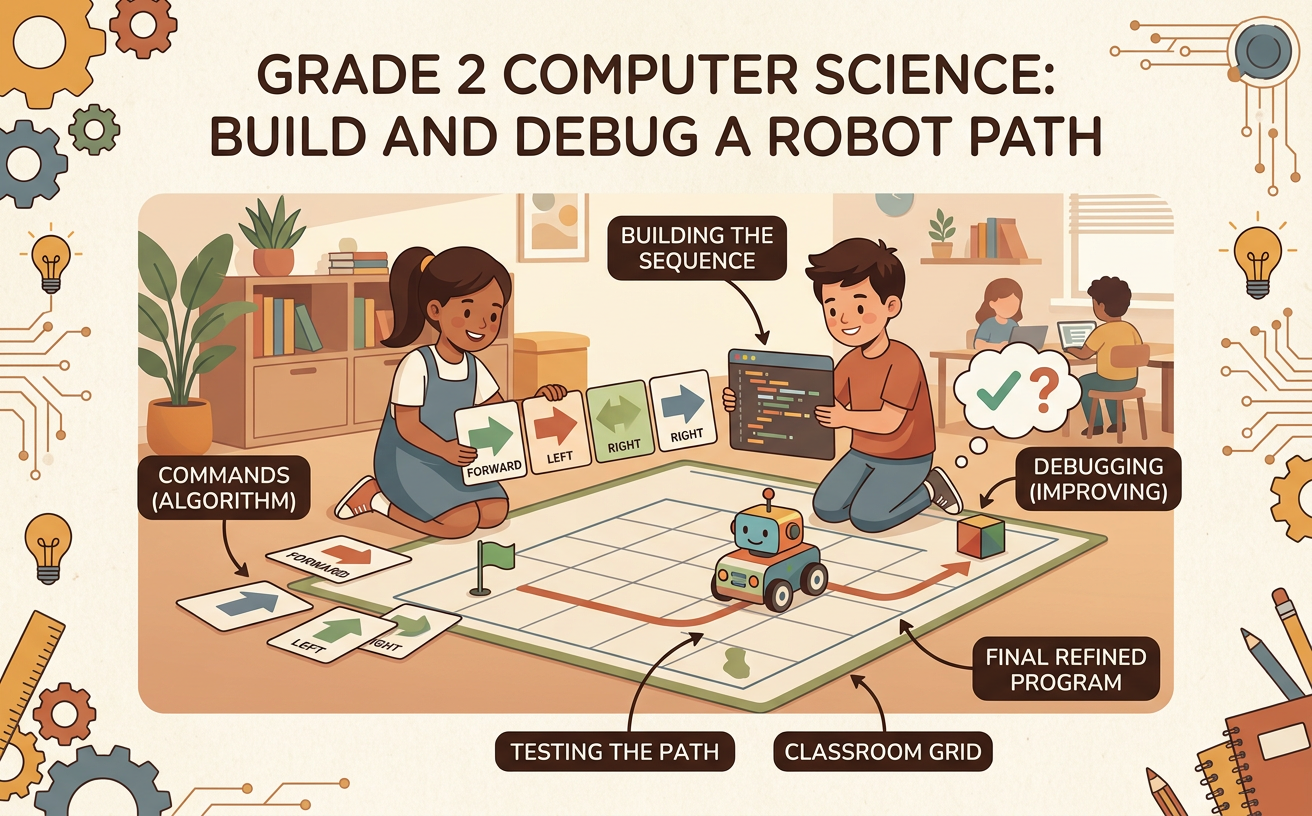
Illustrations are auto-generated and may be placeholders. They can be refreshed to match the narration.
Meet the Robot Challenge
Imagine that a pretend robot must cross a classroom floor made of square spaces. Its job is to travel from the Start square to a book without touching any blocked squares. The robot cannot choose its own route. It moves only when your team gives it arrow commands. On a four-by-four grid, place the robot in the lower-left square, the book in the upper-right square, and a block one square above and one square to the right of the robot. Work with a partner to solve the challenge. Agree on discussion rules: take turns speaking, listen carefully, and handle the robot and command cards responsibly. One partner can arrange commands while the other moves the robot. Then switch jobs so both partners participate.

Learn the Arrow Commands
Each arrow is a command that tells the robot to move exactly one square. An up arrow moves the robot one square toward the top of the grid. A down arrow moves it one square toward the bottom. A left arrow moves it one square left, and a right arrow moves it one square right. For example, if the robot begins in the lower-left square, the commands up, up, right move it two squares toward the top and then one square to the right. Point to each card as the robot moves. The robot must not skip squares, move diagonally, or leave the grid. Practice one command at a time with your partner. Say the command aloud, predict where the robot will land, and then check your prediction by moving it.

Plan an Algorithm
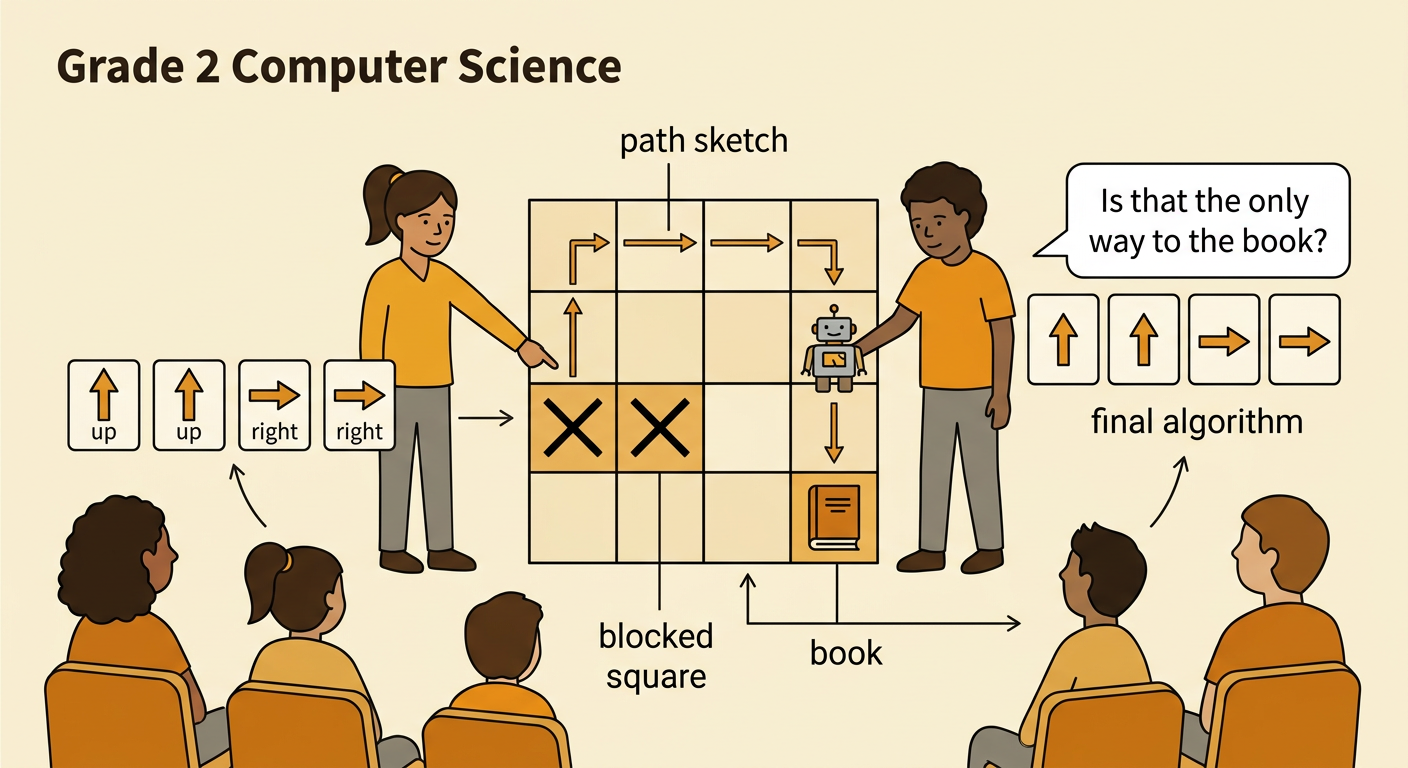
An algorithm is an ordered list of steps for completing a task. Before moving the robot, study the grid and sketch a safe path from Start to the book. Then place arrow cards in the same order as the planned moves. On the four-by-four challenge grid, one safe algorithm is up, up, right, right, up, right. Trace it with your finger first. The robot moves up twice along the left side, travels right across a clear row, moves up, and then reaches the book with one final right command. Number the commands from first to last so their order is easy to follow. Ask your partner to check the plan. Partners should explain their ideas, listen to each other, and agree on the algorithm before beginning the test.

Test the Robot Path
Testing means following the algorithm to find out whether it works. Put the robot on Start and return it there before every test. One partner reads the arrow cards in order. The other partner moves the robot one square for each command. After every move, pause and compare the robot's location with the planned path. For example, test up, up, right, right, up, right. After the first two commands, the robot should be two squares above Start. After the next two commands, it should be in the third column. The final up and right commands should bring it to the book. Mark each successful command with a check. If the robot touches a blocked square, leaves the grid, or misses the book, stop the test and record where the problem happened.

Find and Fix Bugs
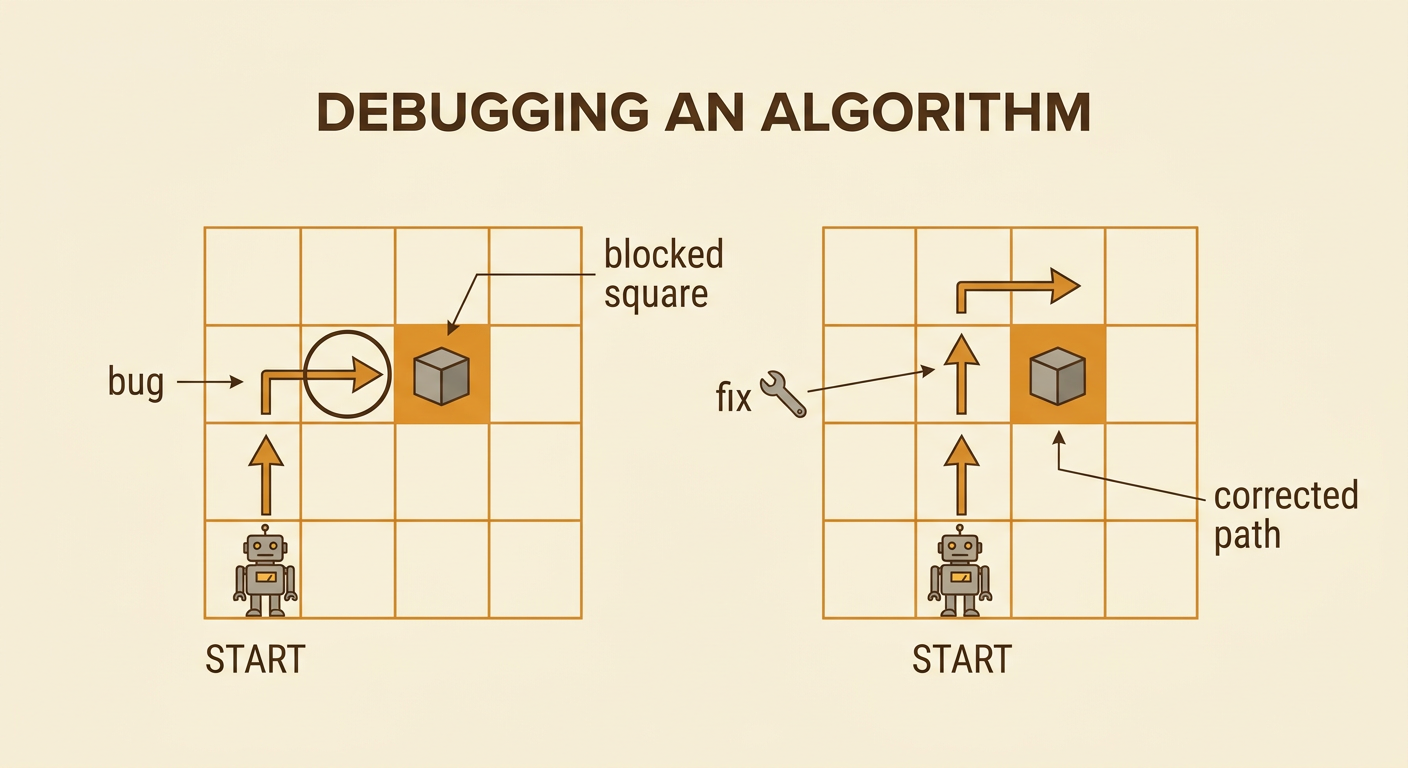
A bug is a mistake that keeps an algorithm from working as planned. Debugging means finding the mistake, changing it, and testing again. Suppose the command list begins up, right. After moving up from Start, the robot is directly left of the blocked square. The right command sends it into the block, so the second command is the bug. Replace that right arrow with an up arrow. The corrected beginning is up, up, which moves the robot safely past the obstacle. Do not change every command at once. Start at the first move, follow each command, and identify the exact place where the actual path differs from the planned path. Explain the bug to your partner, listen to possible fixes, and choose one change together. Then reset the robot and retest the full algorithm.
Share the Solution
After the robot reaches the book, share the solution with the class. Display the grid, the path sketch, and the final arrow algorithm. One partner can point to the commands while the other demonstrates the robot's movement. Explain why the path works. For example, say, “Our first two up commands move the robot past the blocked square. Then the right commands guide it toward the book.” Also describe any bug your team found and how you fixed it. Classmates should face the speakers, listen without interrupting, and wait for their turn to ask a question. A listener might ask, “Could another safe algorithm reach the book?” Compare solutions respectfully because more than one path may work. Finish by checking that all cards, robots, and grid pieces are returned to their correct classroom places.