
Code an Engineering Design-Choice Tool
Students use variables, arithmetic expressions, and conditionals to create a program that compares design options by cost and strength.
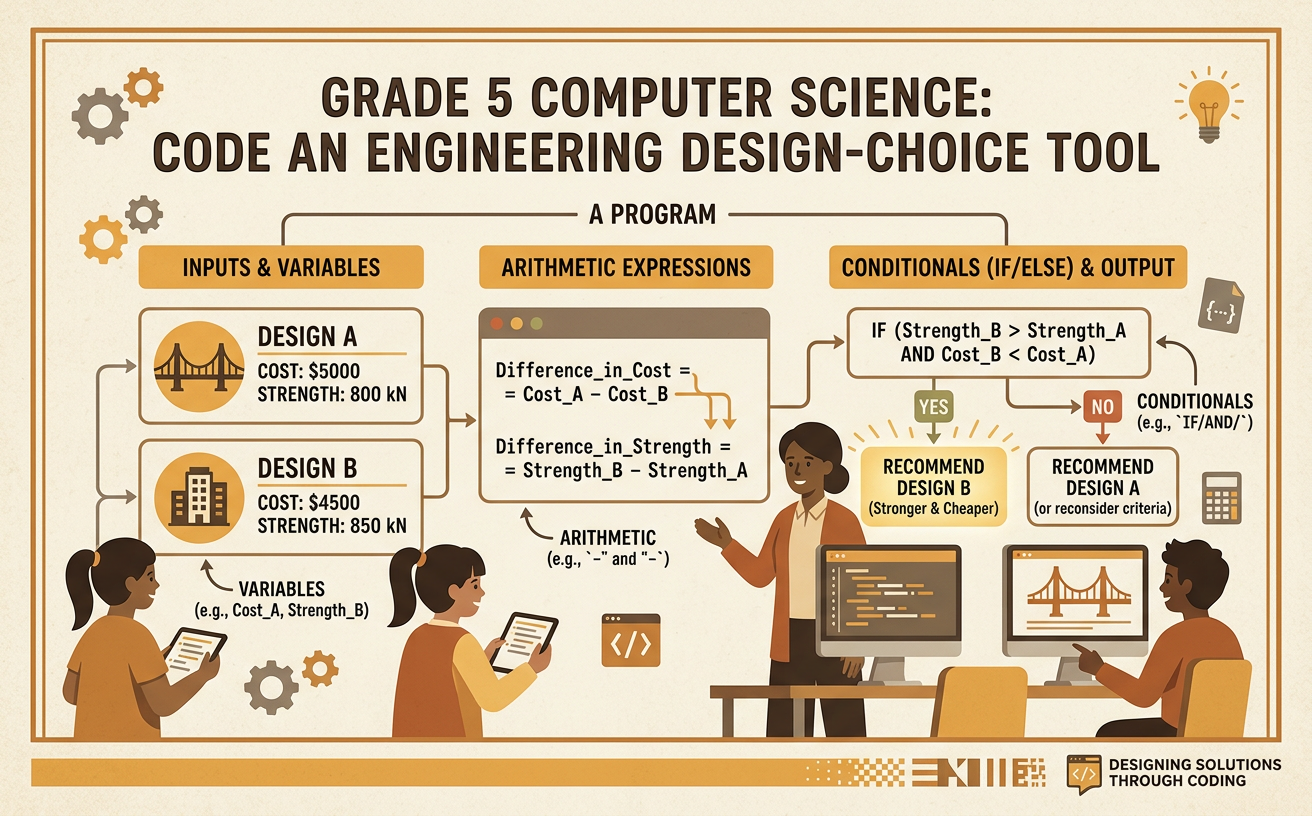
Illustrations are auto-generated and may be placeholders. They can be refreshed to match the narration.
Define the Design Problem
An engineering design problem begins with a need that can be solved in more than one way. Imagine that a class must choose a model bridge for a toy car. The bridge should hold enough weight, but the class has only a limited amount of money. Your program will help compare two bridge designs using cost and strength. Cost tells how much money a design requires. Strength tells how much weight the bridge can safely hold. For example, Design A costs $18 and holds 12 pounds, while Design B costs $22 and holds 16 pounds. Design B is stronger, but it is also more expensive. The program will organize these facts and apply decision rules. It will not invent the best design by itself; it will choose according to the problem’s stated goals and limits.

Identify Criteria and Constraints
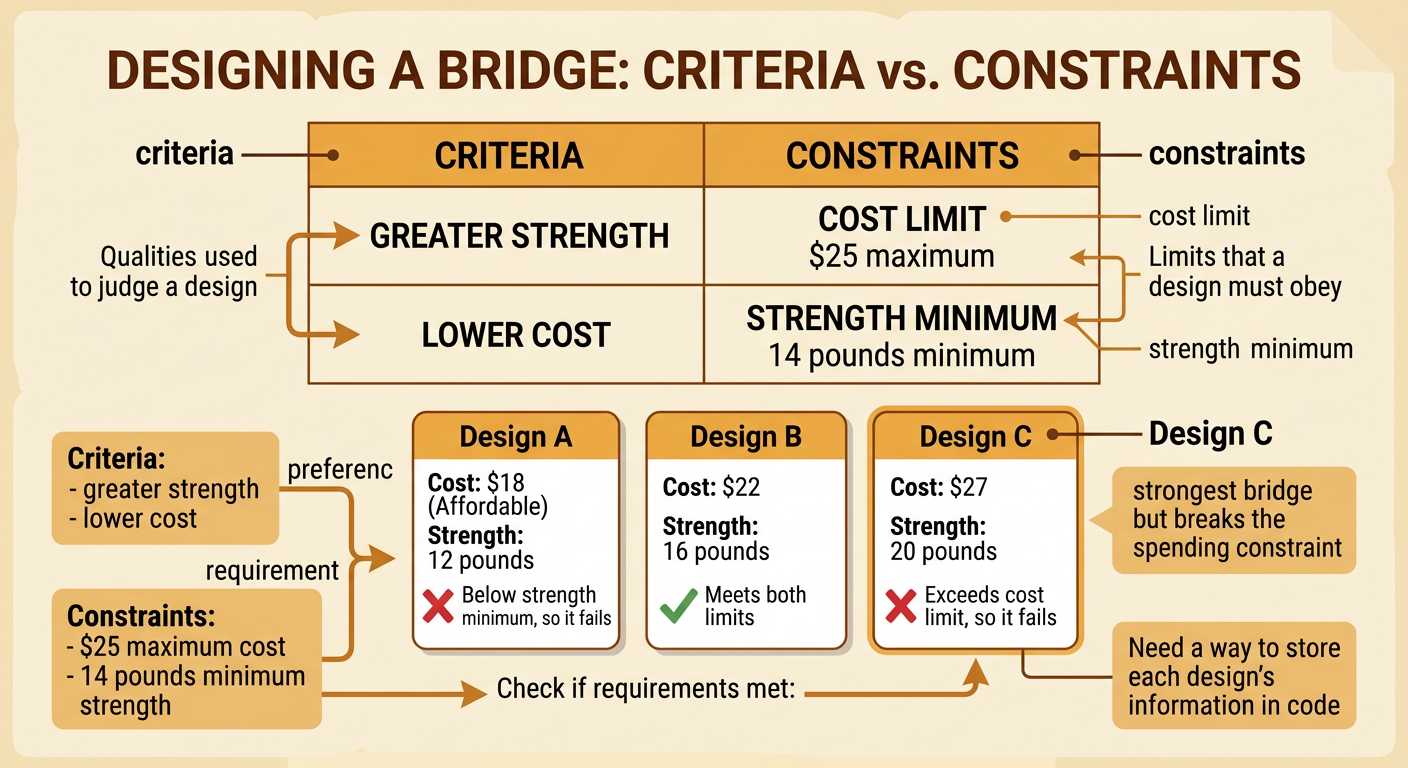
Criteria are qualities used to judge whether a design works well. Constraints are limits that a design must obey. For the bridge problem, one criterion is strength: a stronger bridge is usually more useful. Another criterion is low cost because saving money is a benefit. Suppose the class sets two constraints: the bridge must cost no more than $25 and must hold at least 14 pounds. Design A costs $18 but holds only 12 pounds, so it fails the strength constraint. Design B costs $22 and holds 16 pounds, so it meets both constraints. A third design costing $27 and holding 20 pounds would be very strong, but it would fail the cost constraint. Clearly naming criteria and constraints helps the program make a fair comparison based on the class’s priorities.
Store Cost and Strength in Variables
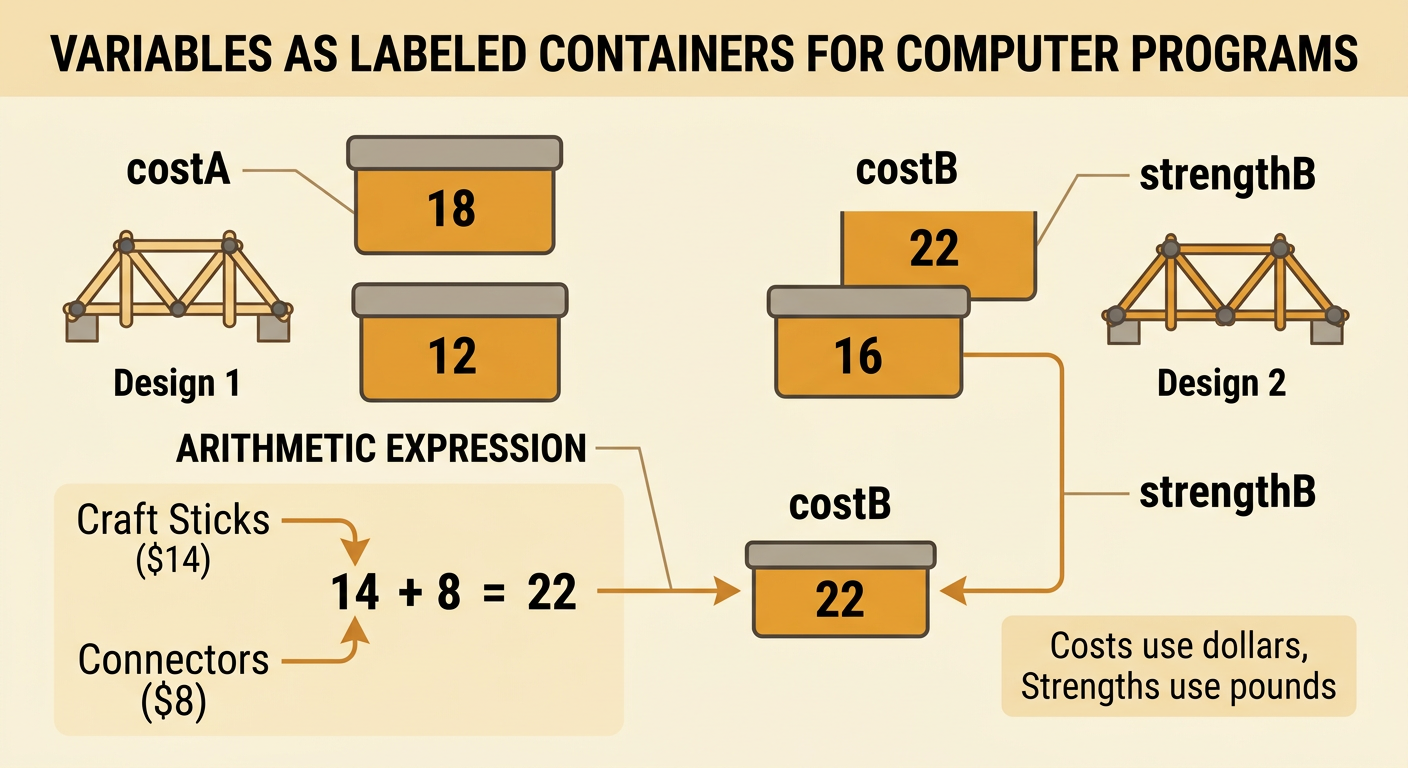
A variable is a named place where a program stores a value. Use clear variable names so readers know what each value means. For Design A, the program could store costA = 18 and strengthA = 12. For Design B, it could store costB = 22 and strengthB = 16. Arithmetic expressions can calculate values before the comparison. If Design B uses $14 of craft sticks and $8 of connectors, the expression 14 + 8 gives its total cost. The program can store that result as costB = 14 + 8, which equals 22. If the prices change, you can update the parts instead of calculating the total by hand. Variables make the same comparison code work with many sets of design data. Each variable should contain one kind of information and use the same measurement unit.
Write the Comparison Conditionals
A conditional tells a program what to do when a statement is true or false. First, check whether each design meets both constraints. In words, the rule is: if costA is no more than 25 and strengthA is at least 14, then Design A qualifies; otherwise, Design A does not qualify. Write the same type of rule for Design B. Next, compare designs that qualify. If both qualify and strengthA is greater than strengthB, choose A. If both qualify and strengthB is greater than strengthA, choose B. If their strengths are equal, choose the one with the lower cost. If only one design qualifies, choose that design. If neither qualifies, report that no design meets the constraints. The order matters because the program must reject unacceptable designs before comparing their benefits.

Run Tests with Sample Data
Testing means running the program with planned inputs and checking whether the output makes sense. Begin with Design A at $18 and 12 pounds and Design B at $22 and 16 pounds. The program should reject A for low strength and choose B. Next, test A at $20 and 16 pounds and B at $22 and 16 pounds. Both qualify and have equal strength, so the program should choose A because it costs less. Then test A at $26 and 18 pounds and B at $27 and 20 pounds. Both exceed the $25 cost limit, so the output should say that neither qualifies. Include boundary values too. A design costing exactly $25 and holding exactly 14 pounds should qualify because the limits say no more than $25 and at least 14 pounds.

Debug and Choose a Design
Debugging is finding and fixing errors in a program. Compare each test’s expected result with the actual output. If a bridge costing exactly $25 is rejected, the condition may use less than instead of no more than. Change the check so that $25 is included. If the program chooses a stronger bridge before checking its cost, move the constraint checks earlier. Also confirm that cost variables use dollars and strength variables use pounds. After fixing an error, rerun every test because one change can affect another result. With the original data, Design B is the final choice because it costs $22, stays within the $25 limit, and holds 16 pounds, which exceeds the 14-pound minimum. Explain the trade-off: Design B costs $4 more than A, but it provides the required strength and therefore gives the class an acceptable benefit for the added cost.
