Encode and Decode Messages with Binary Patterns
Students use two-symbol binary patterns to encode, transmit, decode, and check short messages.
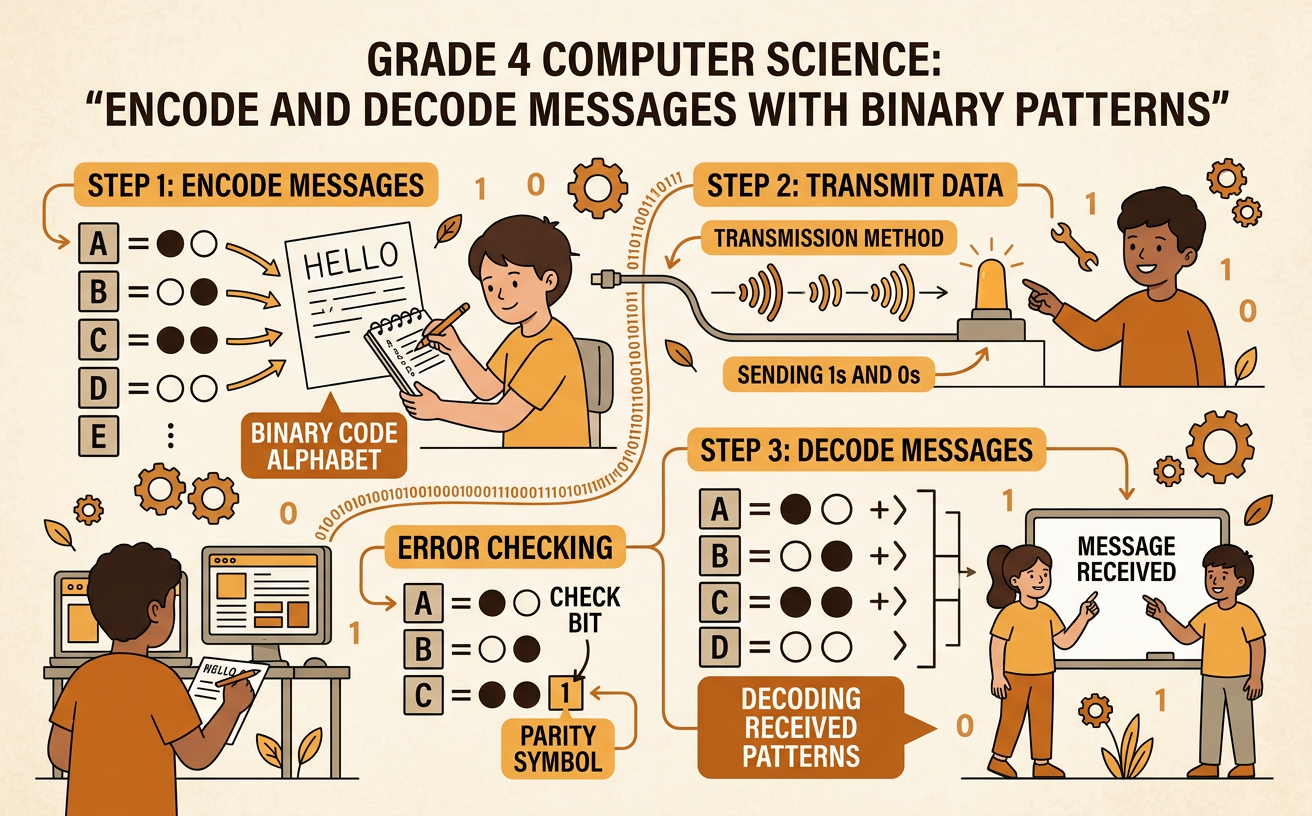
Illustrations are auto-generated and may be placeholders. They can be refreshed to match the narration.
Discover Two-Symbol Codes
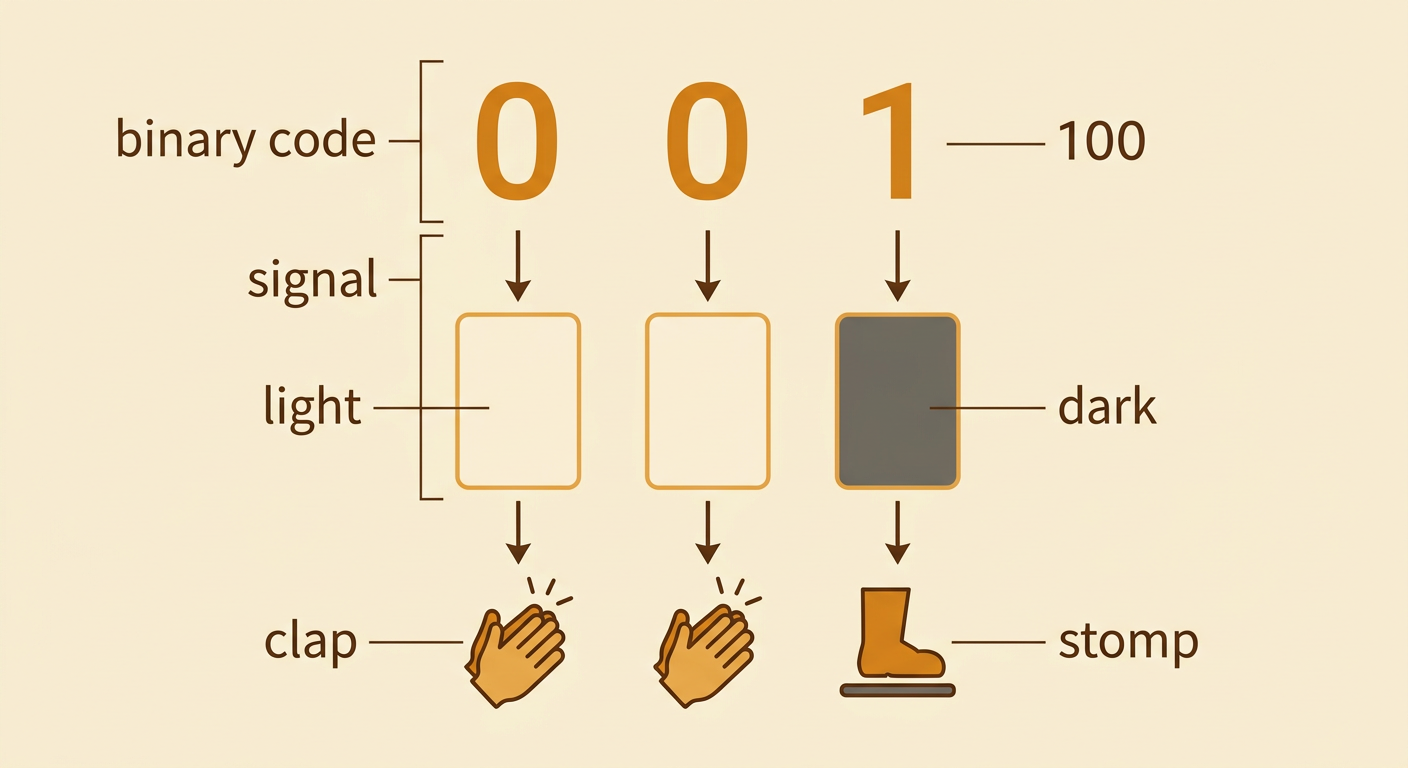
People can transfer information with patterns. A binary code uses exactly two choices, such as 0 and 1, light and dark, or clap and stomp. Each choice is a signal. The position of each signal matters. For example, 001 and 100 contain the same number of zeros and ones, but they are different patterns because the order changes. A sender can show 001 with three cards: light, light, dark. A receiver who knows the rule can read the cards as 001. Binary patterns can travel through sight, sound, or touch. Computers use binary patterns, but people must agree on what each pattern means before using it to send a message.
Build a Binary Code Key
A code key tells what each binary pattern means. Every letter in the key needs its own pattern so the receiver will not confuse two letters. With three positions and two choices in each position, there are eight possible patterns. One key could assign A to 000, B to 001, C to 010, D to 011, E to 100, F to 101, G to 110, and H to 111. Notice that no pattern appears twice. Each pattern also has the same length, so a receiver can separate a long signal into groups of three. Before sending messages, both people should use identical copies of the key. Changing even one letter-pattern match would cause decoding errors.

Encode a Short Message
To encode a message, replace each letter with its pattern from the code key. Suppose the message is CAB. Look up C first: its pattern is 010. Next, A becomes 000. Finally, B becomes 001. The encoded message is 010 000 001. Spaces separate the letter groups, but they are not part of the binary code. Copy each group carefully and keep the signals in order. A useful check is to count the groups. CAB has three letters, so the encoded message should have three groups. Because each group has three signals, the complete message should contain nine signals. Counting helps find a missing or extra signal before the message is sent.

Exchange and Decode Messages
To exchange messages, one student sends an encoded pattern and another student uses the shared key to decode it. The sender might transmit 001 000 011 by holding up zero and one cards. The receiver divides the signals into groups of three. Using the key, 001 means B, 000 means A, and 011 means D, so the decoded message is BAD. The receiver can check the result by encoding BAD again. If the new pattern matches 001 000 011, the message was probably copied correctly. If it does not match, the students should compare one group at a time. A signal shown too quickly, placed out of order, or skipped can change the decoded letter.

Compare Accuracy and Efficiency
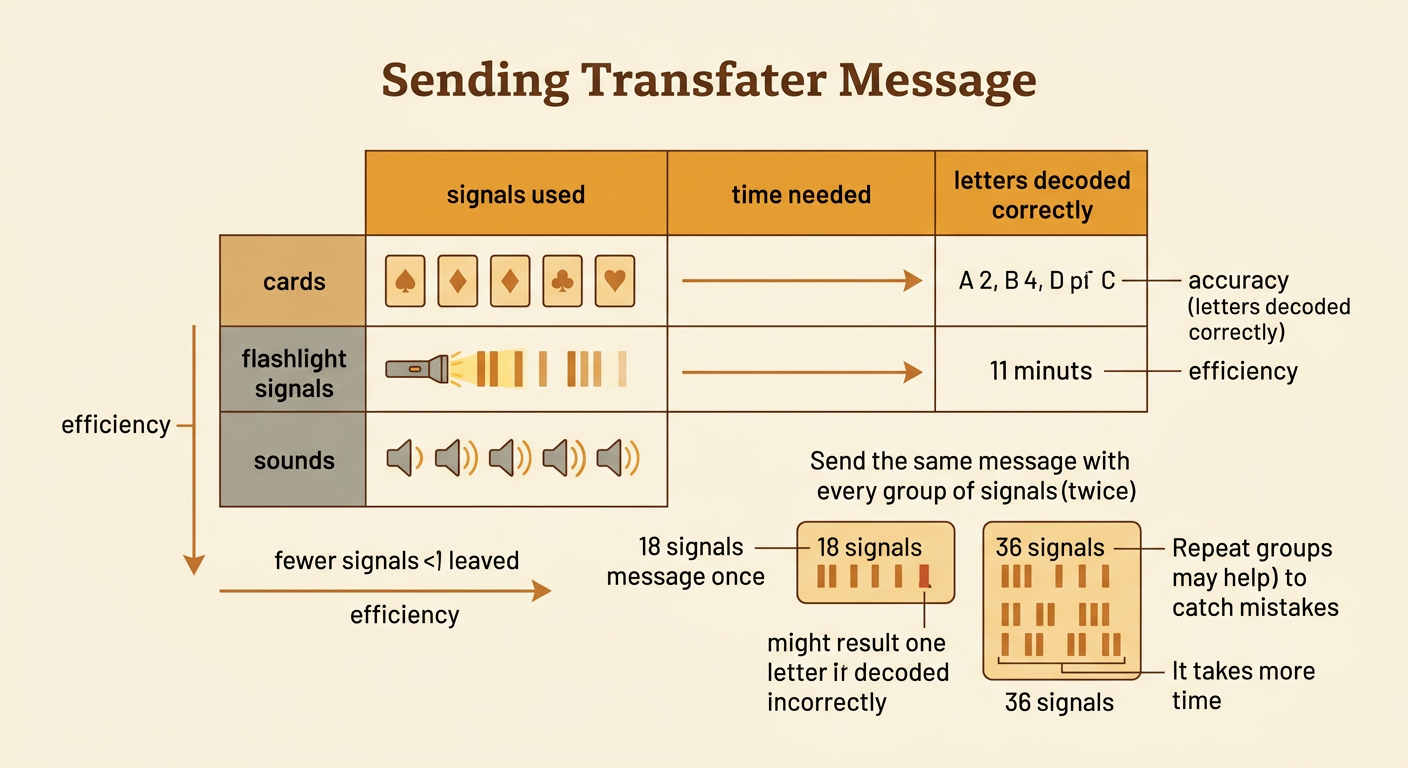
Different solutions can transfer the same binary message. Students might use cards, flashlight signals, or two sounds. To compare solutions, measure accuracy and efficiency. Accuracy tells how much of the message arrived correctly. Efficiency tells how many signals or how much time the transfer required. Suppose a six-letter message needs 18 signals. Sending it once uses 18 signals, but one letter might be decoded incorrectly. Sending every group twice uses 36 signals and may help the receiver correct mistakes, but it takes longer. In a class test, record the number of correct letters and the time for each method. Bright cards may work well in a noisy room, while sounds may work when the receiver cannot see the sender. The best solution depends on the conditions and the goal.