Finding Facts with Informational Text Features
Students identify headings, tables of contents, glossaries, and icons and use them to locate information in a nonfiction text.

Illustrations are auto-generated and may be placeholders. They can be refreshed to match the narration.
Explore a Nonfiction Book
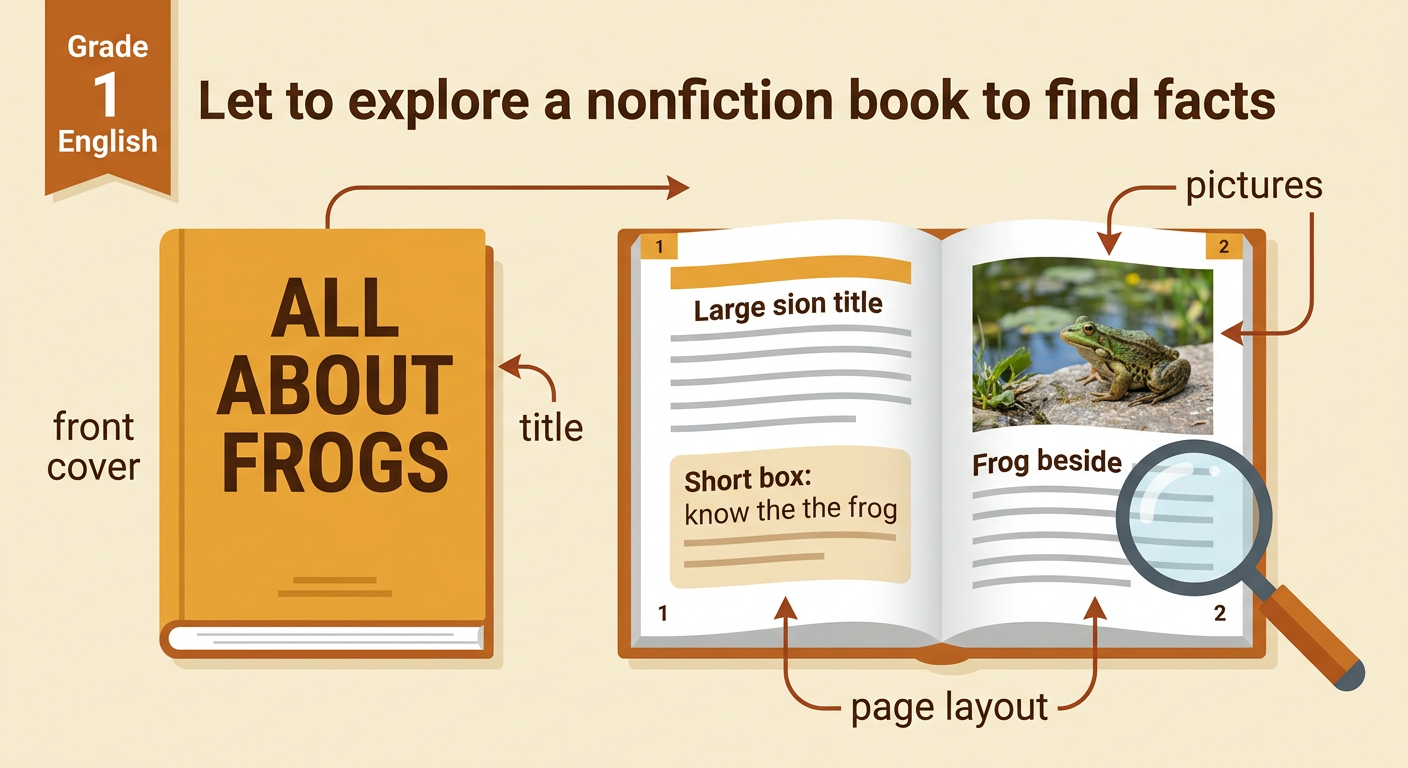
A nonfiction book gives true information about a real topic. Before reading every page, look at the front cover, title, pictures, and page layout. These parts offer clues about what you may learn. Imagine a book called All About Frogs. The cover shows a frog beside a pond. Inside, you notice pages about frog bodies, food, and life cycles. Ask yourself, “What fact do I want to find?” You might want to know what frogs eat. You do not need to read the whole book from beginning to end. Text features can guide you to the best page. As you explore, point out any large words, lists, special symbols, or word boxes that may help you.
Identify Common Text Features
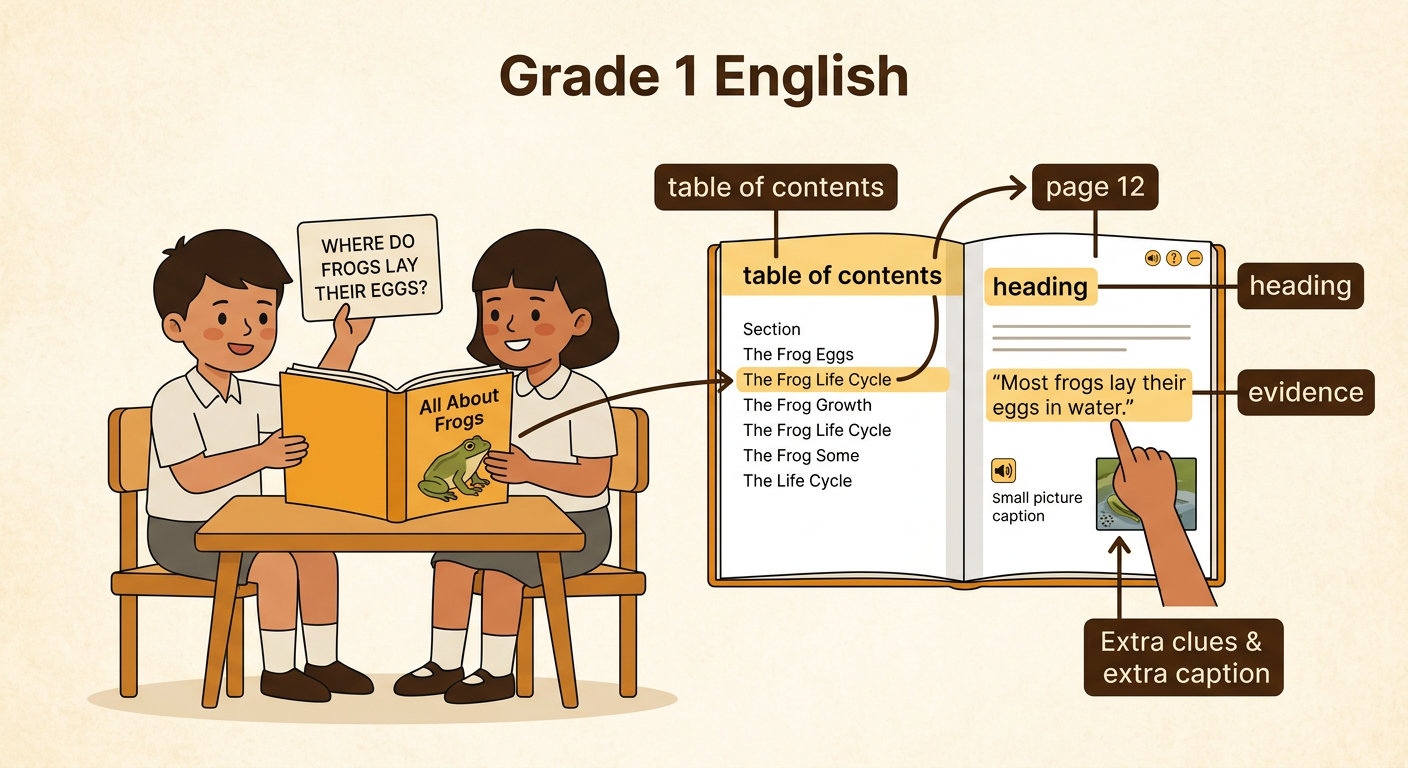
Text features are parts of a book that help you find and understand information. A heading tells the topic of a page or section. A table of contents lists sections and their page numbers near the front of a book. A glossary near the back explains important words in alphabetical order. An icon is a small picture or symbol that points out special information. In All About Frogs, the heading “What Frogs Eat” tells you that the section is about food. The table of contents says that this section begins on page 8. The glossary explains that prey means an animal hunted for food. A lightbulb icon may mark a surprising fact. Each feature has a different job, but all of them help readers.

Model How to Find a Fact
Suppose you want to answer the question, “What do frogs eat?” First, name the key idea in the question: frog food. Next, open the table of contents. Look for a section title connected to food. You find “What Frogs Eat” listed on page 8. Turn to page 8 and check the heading to be sure you are in the right place. Read the sentences under that heading. The text says, “Many frogs eat insects, worms, and spiders.” Now you have located the fact. Point to the exact sentence that gives the answer. If you do not understand a bold word such as insect, check the glossary. Following these steps helps you find information quickly and carefully.

Practice with a Partner
Work with a partner to find a fact in a nonfiction book. One partner asks a question, such as, “Where do frogs lay their eggs?” Together, choose the most helpful text feature. You might scan the table of contents and find “The Frog Life Cycle” on page 12. Turn to that page and read under the heading. Look closely at any icons or picture captions that may add information. You may find the sentence, “Most frogs lay their eggs in water.” One partner points to the sentence, and the other partner reads it aloud. Then switch jobs and try a new question. Partners should explain which text feature they used and how it helped. If you disagree, return to the text and check the evidence together.
Share the Located Information
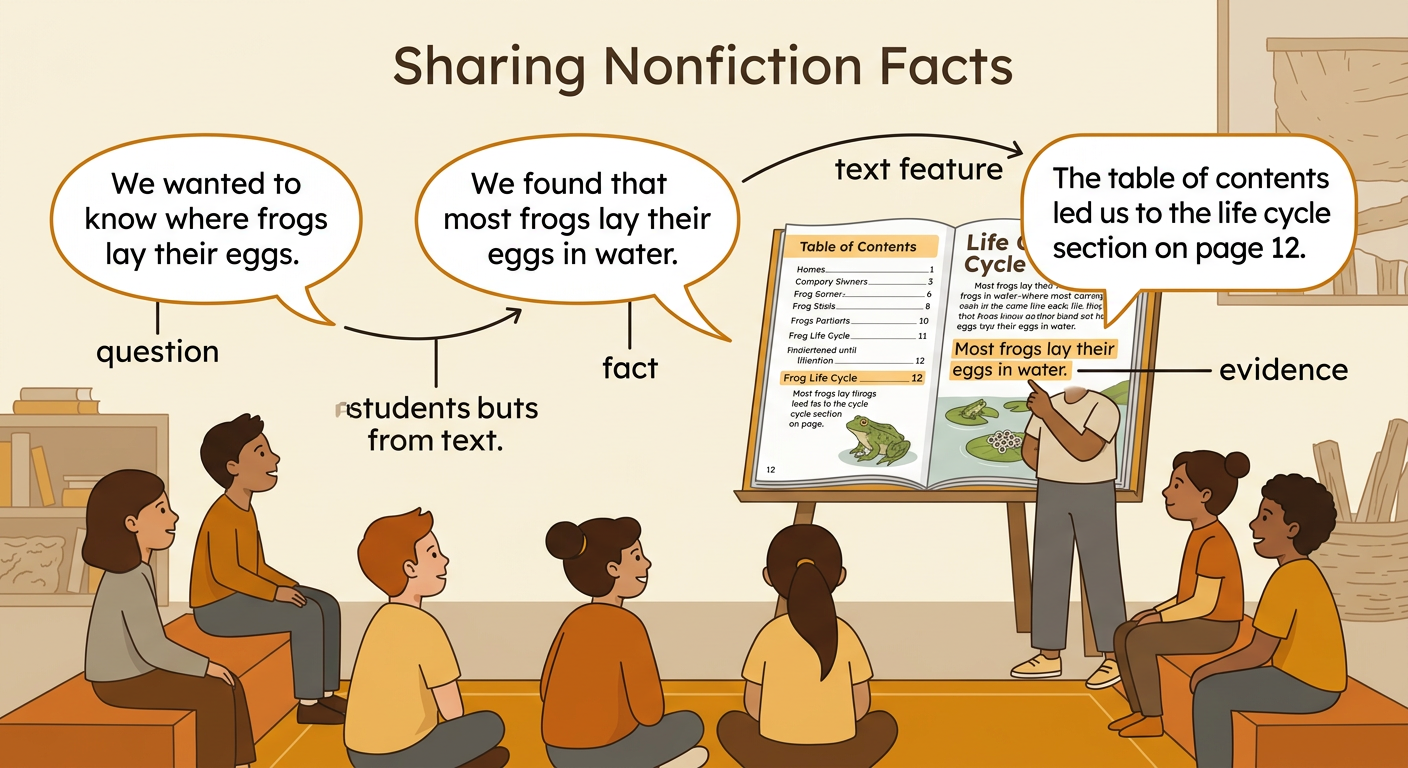
After finding a fact, share it clearly with the class. Begin by stating the question. Then tell the fact you found and name the text feature that helped you. For example, say, “We wanted to know where frogs lay their eggs. We found that most frogs lay their eggs in water. The table of contents led us to the life cycle section on page 12.” Hold up the book or point to the page so others can see the evidence. You can also explain whether a heading, glossary, or icon gave extra help. Listen as classmates share their facts. Notice that different questions may require different text features. Good nonfiction readers explain both what they learned and how they found it.