
Human Robot: Put the Steps in Order
Students create, follow, test, and improve a simple sequence of movement commands to guide a classmate to a target.
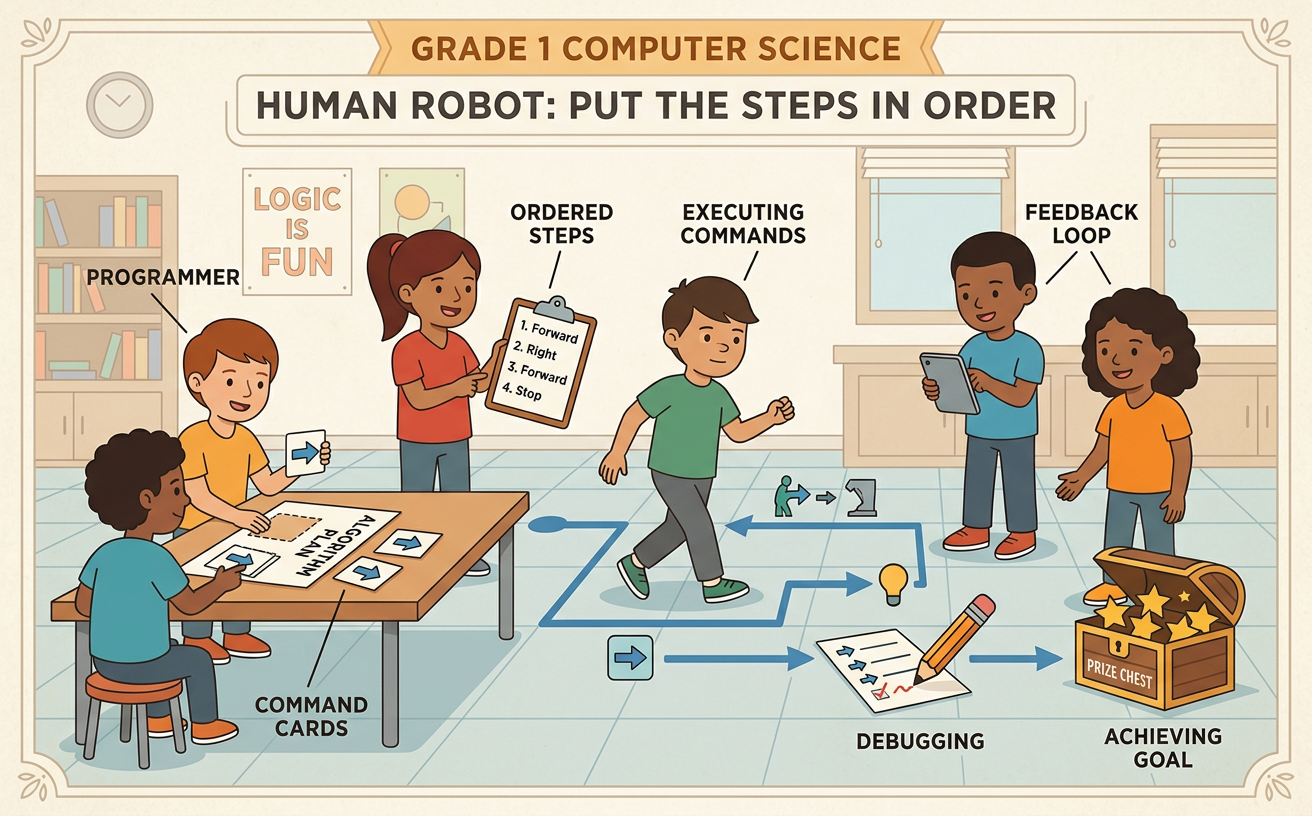
Illustrations are auto-generated and may be placeholders. They can be refreshed to match the narration.
What Is an Algorithm?
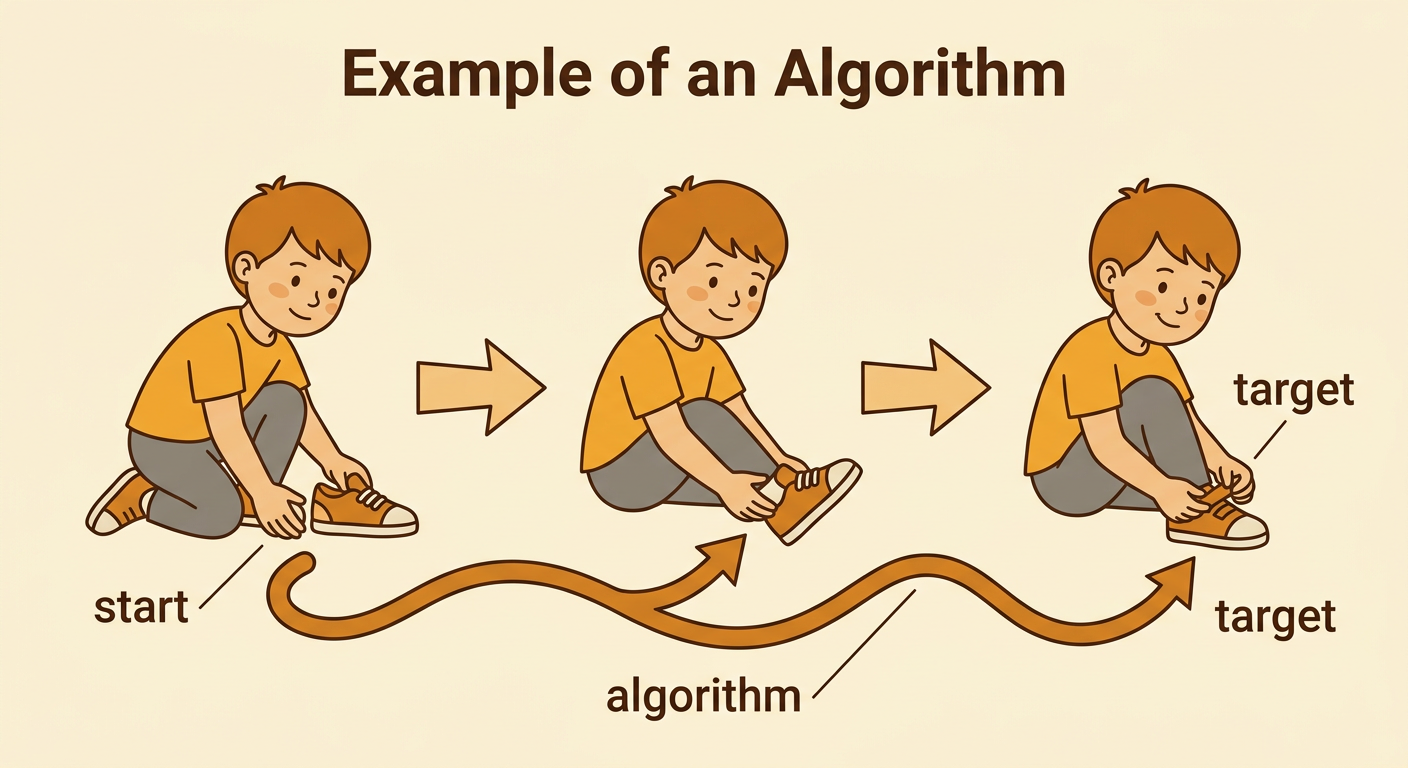
An algorithm is a list of steps for doing a job or solving a problem. The steps must be in an order that makes sense. You use algorithms every day. For example, to put on a shoe, first pick up the shoe, next slide in your foot, and then tie or fasten it. If you try to fasten the shoe before your foot is inside, the steps do not work. Computers and robots also need steps in the correct order. Today, a classmate will pretend to be a robot. The human robot will follow only the movement commands the group gives. Your job is to create an algorithm that guides the robot from a starting place to a target.
Learn the Movement Commands
A command tells the human robot one action to do. Our commands are move forward one space, turn left, turn right, and stop. Moving forward changes the robot’s space. Turning changes only the direction the robot faces. A turn does not move the robot into a new space. Everyone must agree on what each command means before the game begins. For example, imagine the robot faces a wall at the top of the grid. The commands “move forward one space, turn right, move forward one space, stop” make the robot move up, face right, move right, and then stop. Say each command clearly, listen to your teammates, and ask a question if a command is not clear.

Build a Step-by-Step Sequence
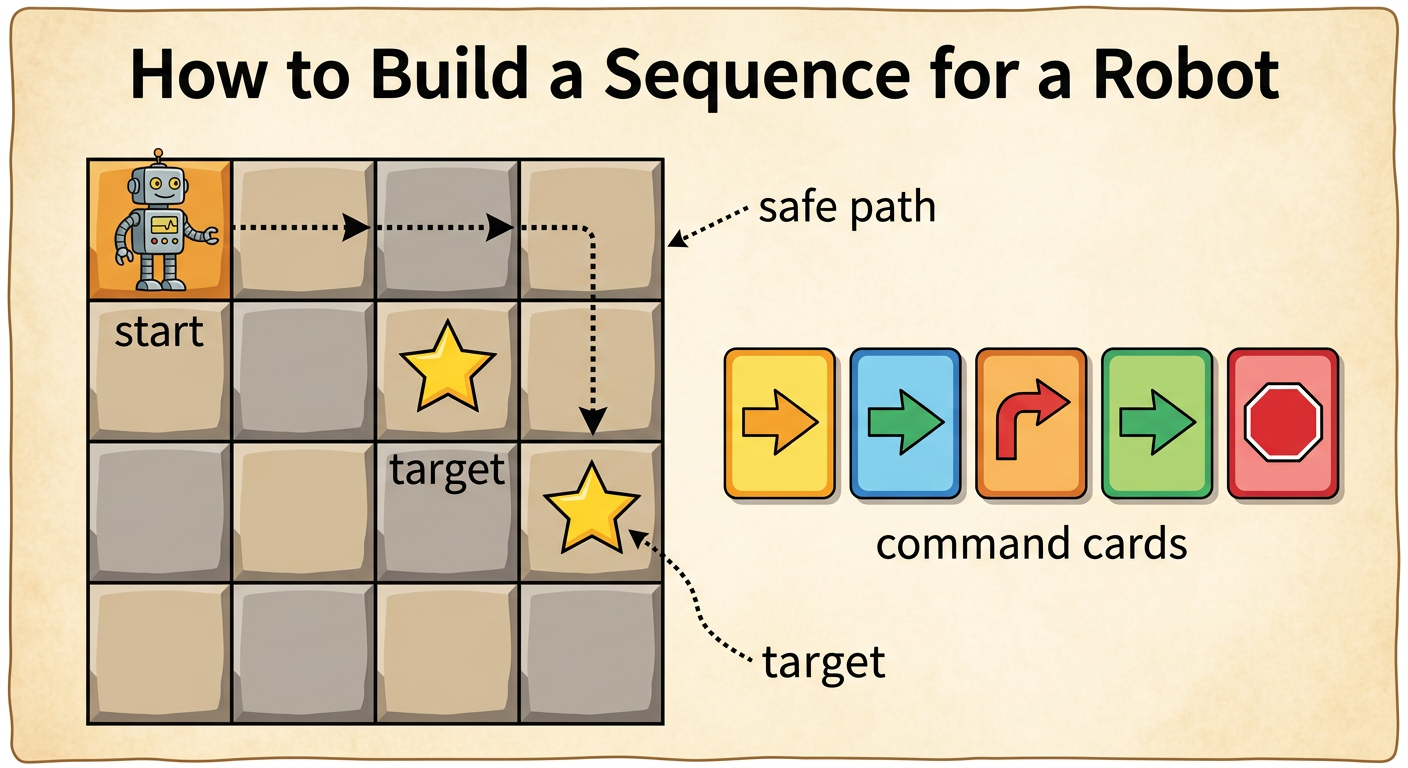
Now work with your group to build a sequence, or ordered list of commands. First, find the start and the target on the grid. Notice which way the human robot will face. Then plan a safe path one space at a time. Place command cards in a row from left to right. Suppose the robot starts facing right and the target is two spaces to the right and one space down. One possible sequence is “move forward, move forward, turn right, move forward, stop.” Point to each card and predict where the robot will be after that step. Let every group member share an idea. The group can choose a sequence after listening and talking kindly about the different ideas.
Test the Human Robot
Testing means trying the algorithm to see what happens. Put the start marker and target in the correct places. The human robot stands at the start and faces the planned direction. One reader says the commands in order, one at a time. The robot follows each command exactly. Another teammate can point to the matching card, and an observer can check the path. For example, after the reader says “move forward one space,” the robot moves to the next square and waits. Do not skip ahead or add an unplanned move. If the robot reaches the target and stops, the algorithm worked. If not, that is useful information. Testing helps the group learn which steps work and which steps need to change.

Find and Fix the Bug
A bug is a mistake in an algorithm that keeps it from working as planned. Debugging means finding and fixing that mistake. Stay calm when you find a bug because mistakes help us learn. Look at the first place where the robot leaves the planned path. Ask, “Which command caused this?” For example, the robot may turn left when the target is to the right. Replace “turn left” with “turn right,” but keep the other commands the same. Then return the robot to the start and test the whole sequence again. Compare the first test with the new test. Did the changed command guide the robot closer to the target? Change one step at a time so the group can tell which fix helped.

Share a Safe, Fair Algorithm
Before sharing, check that your algorithm is safe and fair. Safety rules protect everyone: walk instead of run, stay inside the grid, keep hands to yourself, and stop when someone says “stop.” Fair rules help everyone take part. Group members can rotate jobs so each person gets a turn as robot, reader, planner, or checker. Listen without interrupting, use kind words, and discuss ideas instead of blaming people. When your group shares, read the final sequence and explain one improvement. For example, say, “Our first path missed the target. We changed a left turn to a right turn, and the new path worked.” Then compare algorithms. Two safe algorithms may both reach the target, even if one uses fewer steps.
