
Repeat It With a Loop
Students use a repeat command to make a short sequence of movements happen more than once without listing every action again.
Illustrations are auto-generated and may be placeholders. They can be refreshed to match the narration.
Notice Repeating Actions
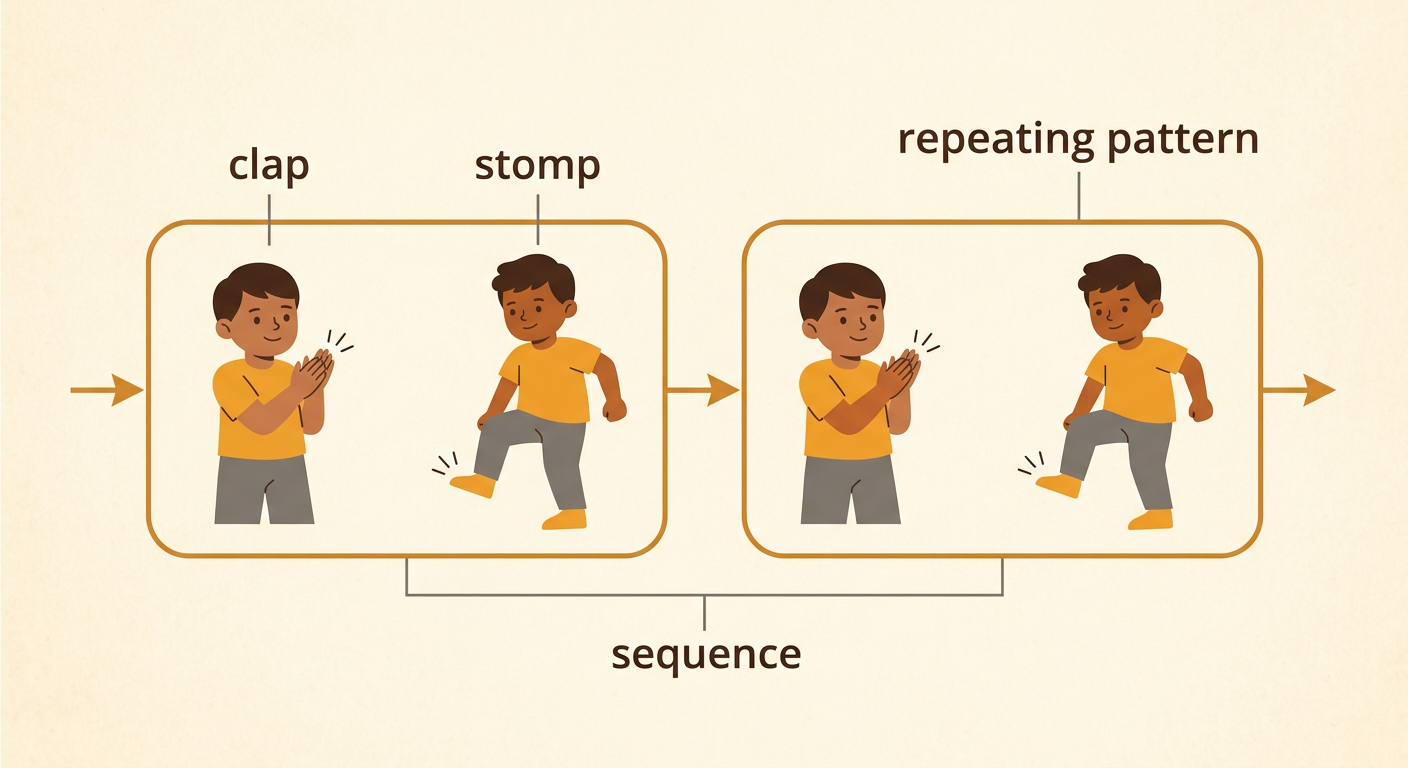
Some actions happen again and again. Think about brushing your teeth. You may brush left, then brush right, and repeat those actions. A repeating pattern is a group of actions that happens more than once. Look for repetition in this movement pattern: clap, stomp, clap, stomp. The actions clap and stomp form a short sequence. The same sequence happens two times. We could list every action, but that list may become very long. Instead, we can tell a computer or a person to repeat the short sequence. With a partner, take turns naming actions that repeat at home, at school, or in a game. Listen while your partner speaks, and wait for your turn to respond.
Meet the Repeat Command
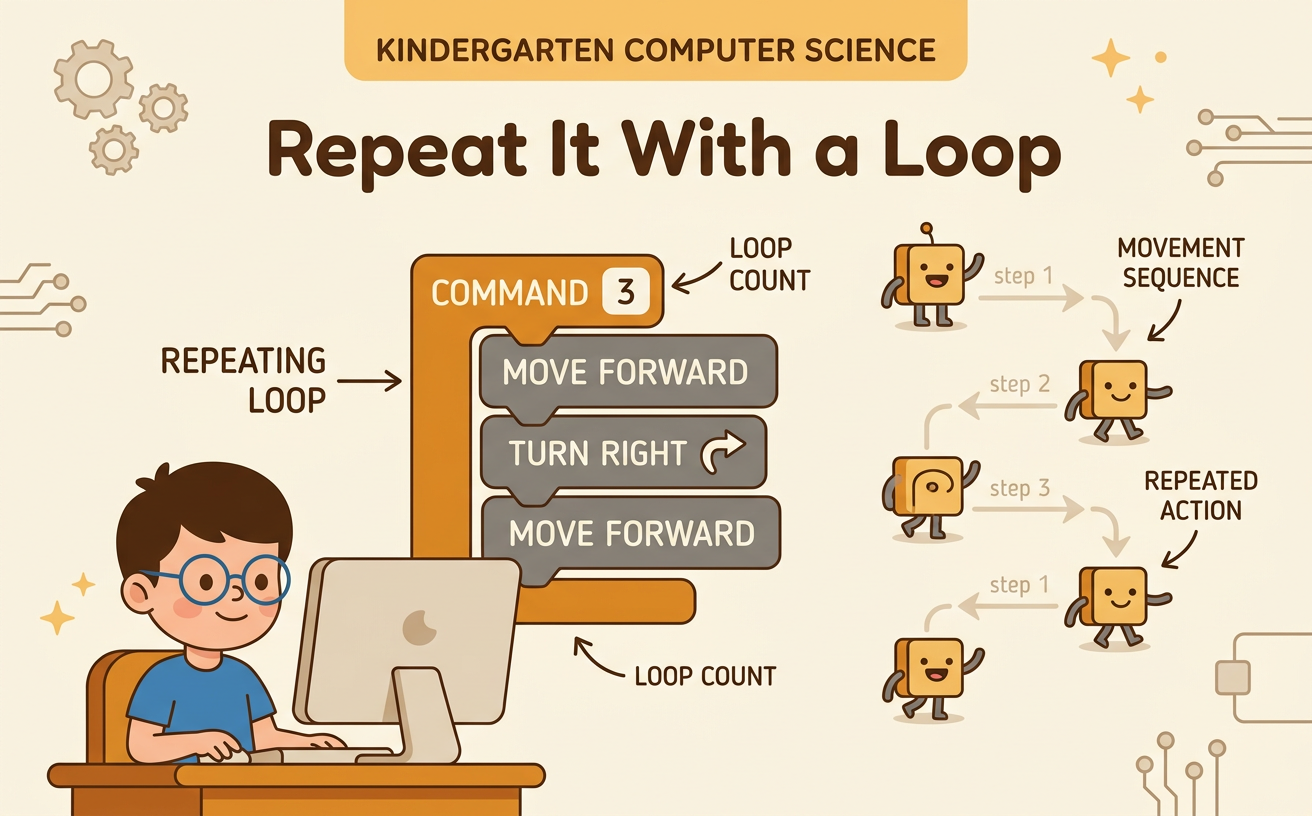
A command is an instruction that tells what to do. A repeat command tells us to do an action or a group of actions more than once. For example, “repeat 3 times: jump, turn” means to do jump, turn; jump, turn; jump, turn. The number 3 tells how many times to complete the whole sequence. The repeat command makes the directions shorter and easier to read. It is called a loop because the directions go back to the beginning until the set number of repeats is finished. Point to each action as you follow the command. Then explain the command to a partner. Use a quiet voice, listen carefully, and ask a question if you need help.

Build a Movement Loop
Now build a loop that solves a movement problem. Imagine that a toy robot needs to move across a path with three equal spaces. In each space, the robot must step forward and wave. Instead of writing six separate commands, make a shorter plan: “repeat 3 times: step forward, wave.” The loop is a simple model of what the robot should do. First, choose two safe movements. Next, choose a repeat number from 2 to 4. Put the movement cards inside a repeat frame and place the number at the top. Check that the number applies to the whole group of movements. Work with a partner and agree on the plan before acting it out.

Act Out the Loop
It is time to become the robot and follow the loop exactly. Use this command: “repeat 2 times: clap, step forward, touch your head.” Begin at the start marker. Clap once, take one safe step forward, and touch your head. That completes one time through the loop. Go back to the first command without returning to the start marker. Do the same three actions one more time. Then stop because the sequence has been completed two times. A partner can be the checker and point to each command as you move. Switch roles so both partners get a turn. Move safely, keep enough space between people, and listen if your partner notices a missed or extra action.

Share and Check
Programmers share and check their loops to see whether the directions solve the problem. Show your movement loop to another pair. One student reads the repeat command, one acts it out, and the others watch. Check three things: Are the actions done in the correct order? Is the whole sequence repeated the correct number of times? Does the mover stop at the end? Respond kindly and attentively. You might say, “I noticed the loop repeated three times,” or “Please check the second action.” If there is a mistake, change one command or the repeat number and try again. This is called improving the model. Finish by telling how the repeat command made your directions shorter or easier to follow.
