
Representing Information as Data
Students explore how computers encode numbers, text, images, and other information using binary digits.
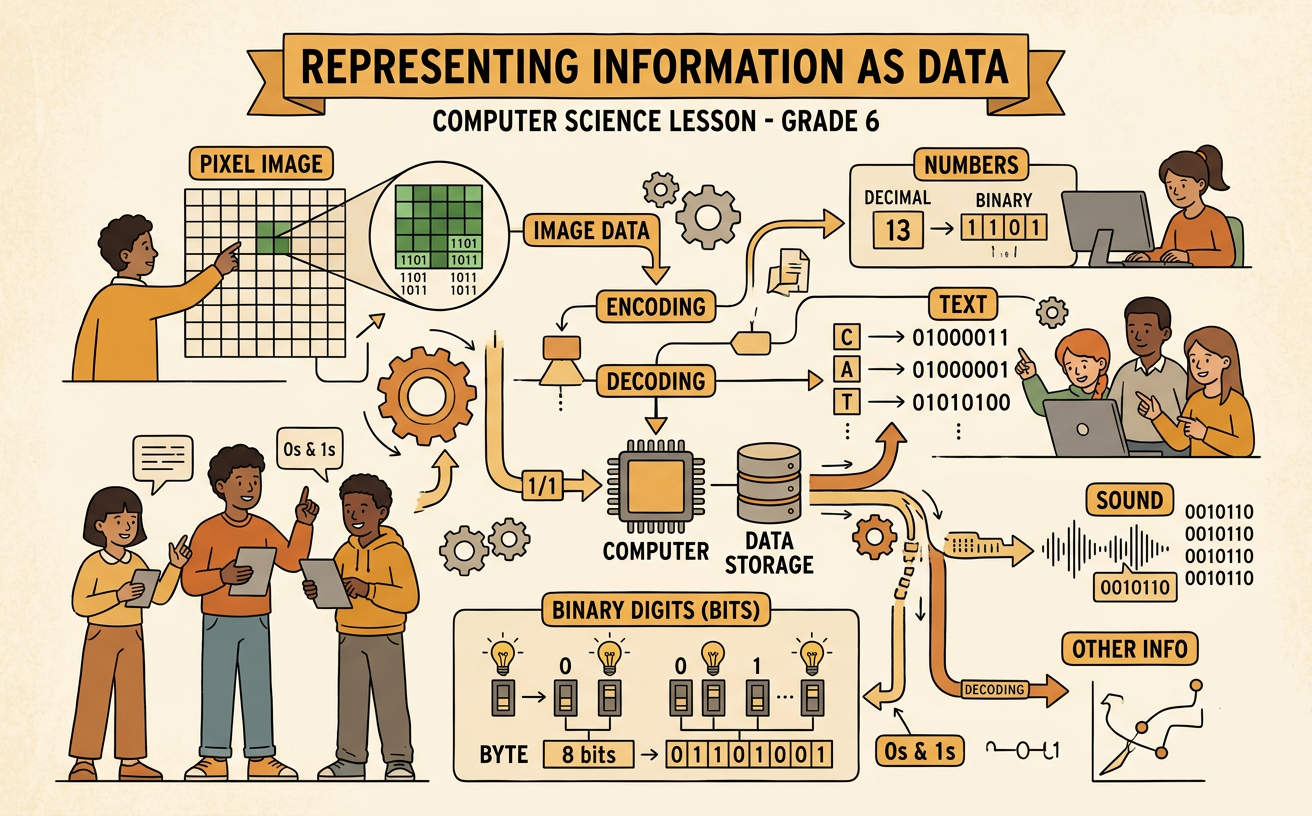
Illustrations are auto-generated and may be placeholders. They can be refreshed to match the narration.
Bits and Bytes
Computers store and process information using bits. A bit is the smallest unit of digital data and has one of two values: 0 or 1. These values can represent two physical states, such as a switch being off or on. A group of eight bits is called a byte. Because each bit has two possible values, one byte can form 256 different patterns, from 00000000 through 11111111. The meaning of a pattern depends on the encoding scheme being used. For example, the byte 01000001 can represent the letter A in a common text encoding. Files contain many bytes arranged in a specific order. A short message may require only a few bytes, while a photograph may require millions of bytes.
Binary Numbers
People usually write numbers with the decimal system, which uses ten digits. Computers commonly represent numbers with the binary system, which uses only 0 and 1. Each binary place has a value that is twice the value of the place to its right. Starting from the right, the first four place values are 1, 2, 4, and 8. To read the binary number 1101, match each 1 with its place value and add those values. The digits represent 8, 4, 0, and 1, so 1101 equals 13 in decimal. A 0 means that its place value is not included. Additional binary places continue with 16, 32, 64, and 128. This place-value method lets computers encode whole numbers as patterns of bits.
Encoding Text
To store text, a computer assigns numbers to characters and then represents those numbers with bits. ASCII is an early character encoding that includes English letters, digits, punctuation marks, and control characters. In ASCII, uppercase A is assigned decimal number 65, which is 01000001 as an eight-bit pattern. Unicode provides code points for characters from many writing systems, along with symbols and emoji. UTF-8 is a widely used encoding that converts Unicode code points into one to four bytes. Common English characters use one byte in UTF-8, while many other characters require more bytes. The sender and receiver must use a compatible encoding. Otherwise, the same bytes may be interpreted as the wrong characters, producing unreadable text. Encoding standards allow text files to be exchanged between different computers and programs.
Pixels and Color
A digital image is made of tiny picture elements called pixels arranged in a grid. Each pixel stores data that describes its color. One common scheme is RGB, which combines red, green, and blue light. In a 24-bit RGB image, each color channel uses one byte and can have a value from 0 to 255. For example, RGB (255, 0, 0) produces bright red because the red channel is at its maximum while green and blue are off. RGB (0, 0, 0) produces black, and RGB (255, 255, 255) produces white. Image dimensions also affect the amount of data. A 100-by-100-pixel image contains 10,000 pixels. At three bytes per pixel, its uncompressed pixel data requires 30,000 bytes.
Compare Encoding Schemes
An encoding scheme is a set of rules for changing information into data and interpreting it later. Different schemes may represent the same information in different ways. For example, a bitmap can store the color of every pixel in a simple image row. If the row contains four white pixels followed by four black pixels, the bitmap records all eight color values. Run-length encoding can store the same row as 4 white, 4 black. This requires less data when many neighboring pixels have the same color, but it may not save space in an image with frequent color changes. Both methods are lossless because the original row can be reconstructed exactly. When comparing encoding schemes, consider file size, accuracy, compatibility, and how easily the data can be processed. No single scheme is best for every purpose.