Search Smarter with Keywords
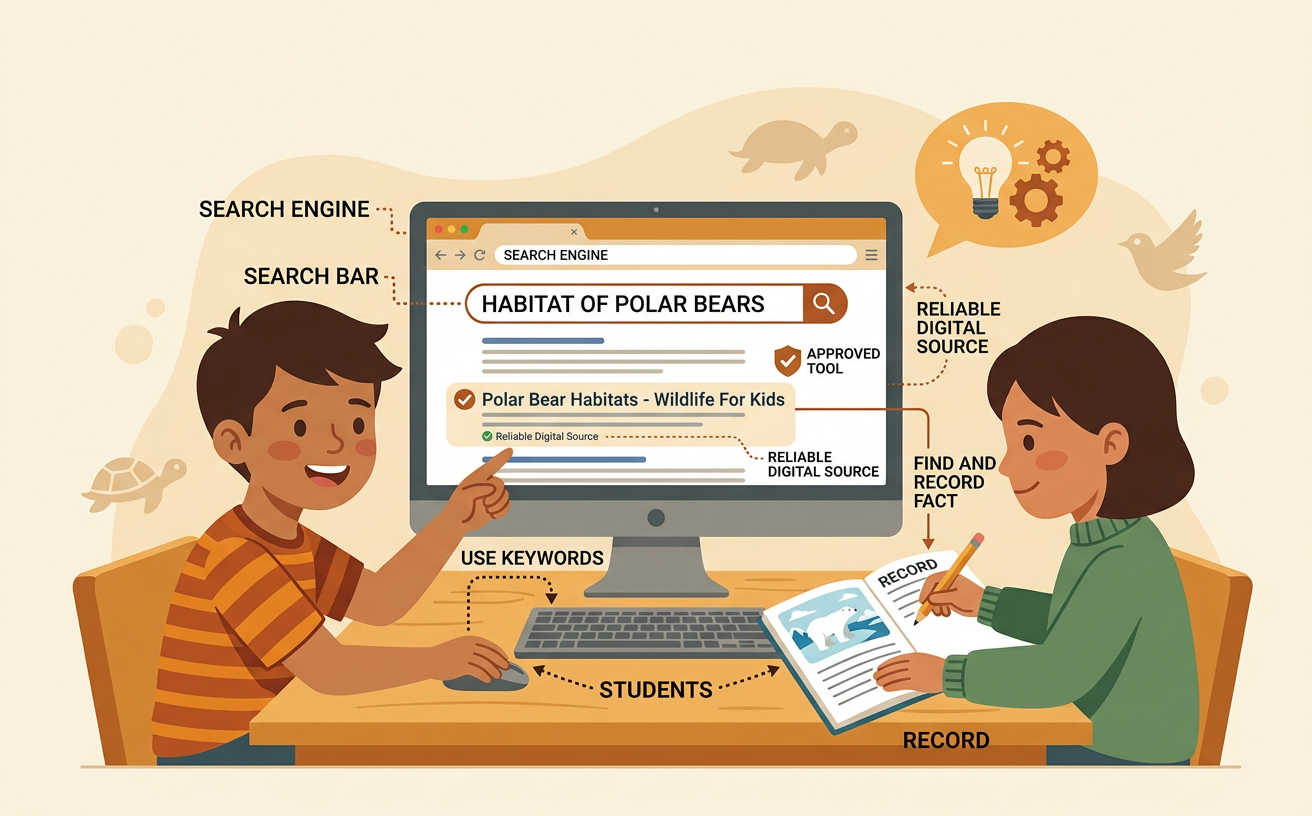
Students use a teacher-approved search tool and specific keywords to find and record a relevant animal habitat fact from a reliable digital source.
Illustrations are auto-generated and may be placeholders. They can be refreshed to match the narration.
Ask a Search Question
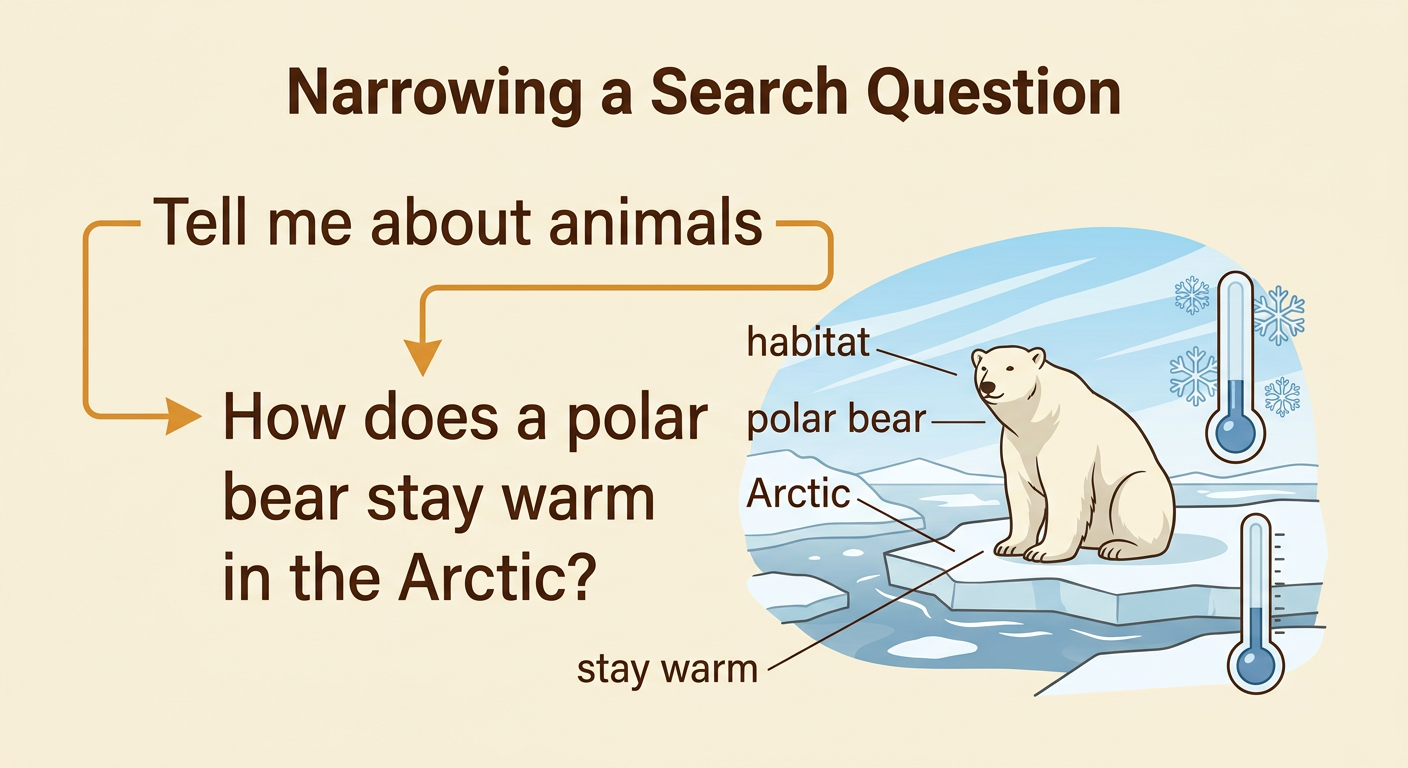
Start with one clear question about an animal and its habitat. A habitat is the place where a living thing gets food, water, shelter, and space. A focused question helps you know what information to look for. Instead of asking, “Tell me about animals,” ask, “How does a polar bear stay warm in the Arctic?” The focused question names the animal, the habitat, and the information you need. You can also ask, “What do frogs need in a pond habitat?” Before searching, say your question aloud and write it down. Check that it can be answered with a fact, not just an opinion. If your question is too broad, add the name of an animal, a habitat, or a feature you want to learn about.
Choose Specific Keywords
Keywords are the most important words in your question. Search tools use these words to find matching information. You do not always need to type a whole sentence. For the question, “How does a polar bear stay warm in the Arctic?” useful keywords are “polar bear Arctic stay warm.” These words are more specific than typing only “bear.” Specific keywords can include an animal’s name, its habitat, and the feature you are studying. For a frog question, you might type “frog pond habitat needs.” Leave out small words that do not change the topic, such as “the” or “does.” Check spelling before you search because correct spelling can improve the results. If the results do not answer your question, change or add a keyword.

Search in an Approved Tool
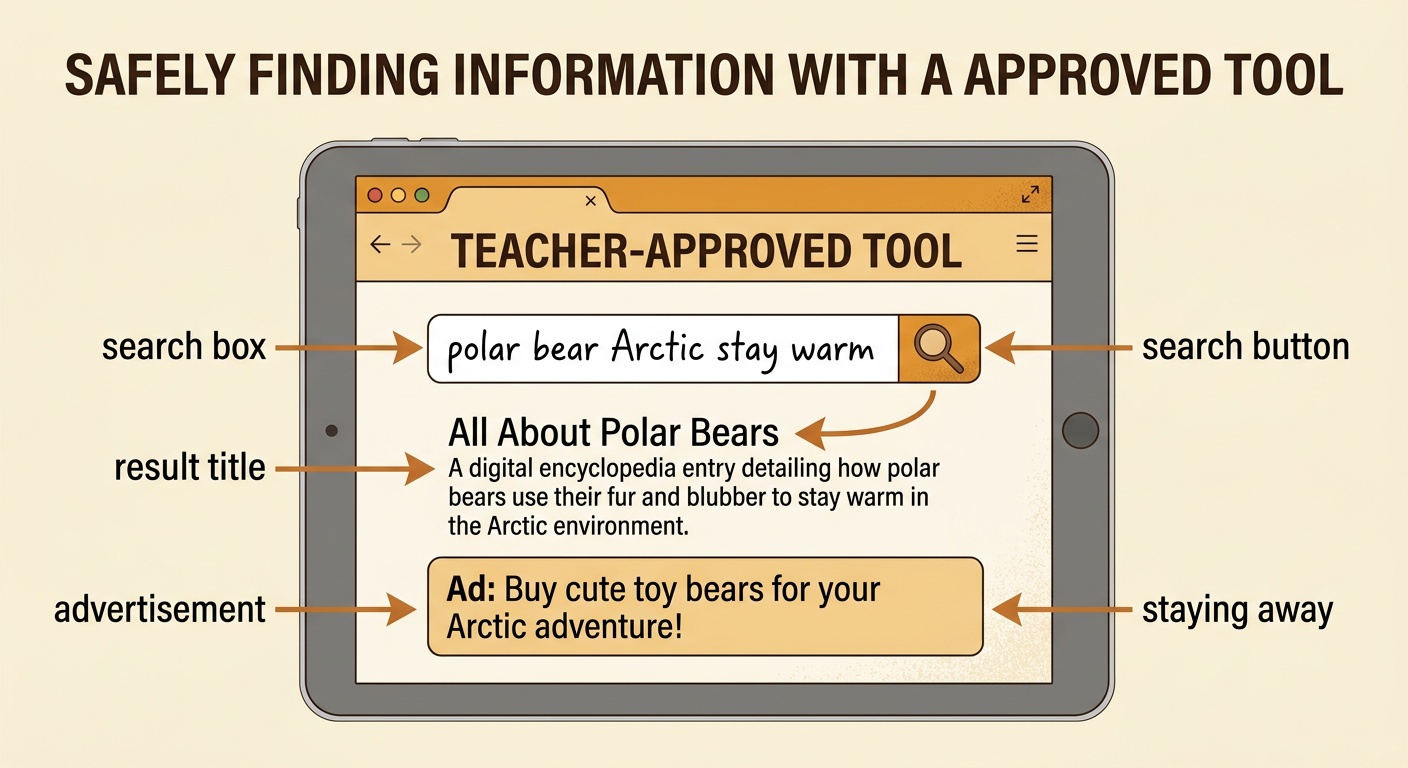
Use only the search website, digital encyclopedia, or database your teacher has approved. An approved tool is chosen to help students find safe, useful information. Open the tool and click or tap the search box. Type your specific keywords, such as “polar bear Arctic stay warm.” Read the words once more to check the spelling, and then select the search button. Look at the list of results without clicking quickly. Result titles and short descriptions give clues about what each page contains. Choose a result that matches your question. Do not open advertisements, pop-ups, or unrelated links. If a page asks for your name, location, password, or other personal information, stop and tell your teacher. Ask for help whenever something on the screen seems confusing or unsafe.
Check the Source and Result
Before using a fact, check where it came from and whether it answers your question. First, look for the source name. A museum, zoo, science organization, government agency, or trusted encyclopedia often provides reliable animal information. Next, read the title and a small part of the page. Ask, “Is this about my animal and its habitat?” For example, a page from a trusted zoo might explain that a polar bear has thick fur and a layer of fat that help it stay warm. That result is relevant because it answers the search question. A page selling toy bears is not relevant, even if it uses the word “bear.” Also look for an author or organization and a date when available. If you are unsure whether a source is trustworthy, ask your teacher.

Record and Share One Fact
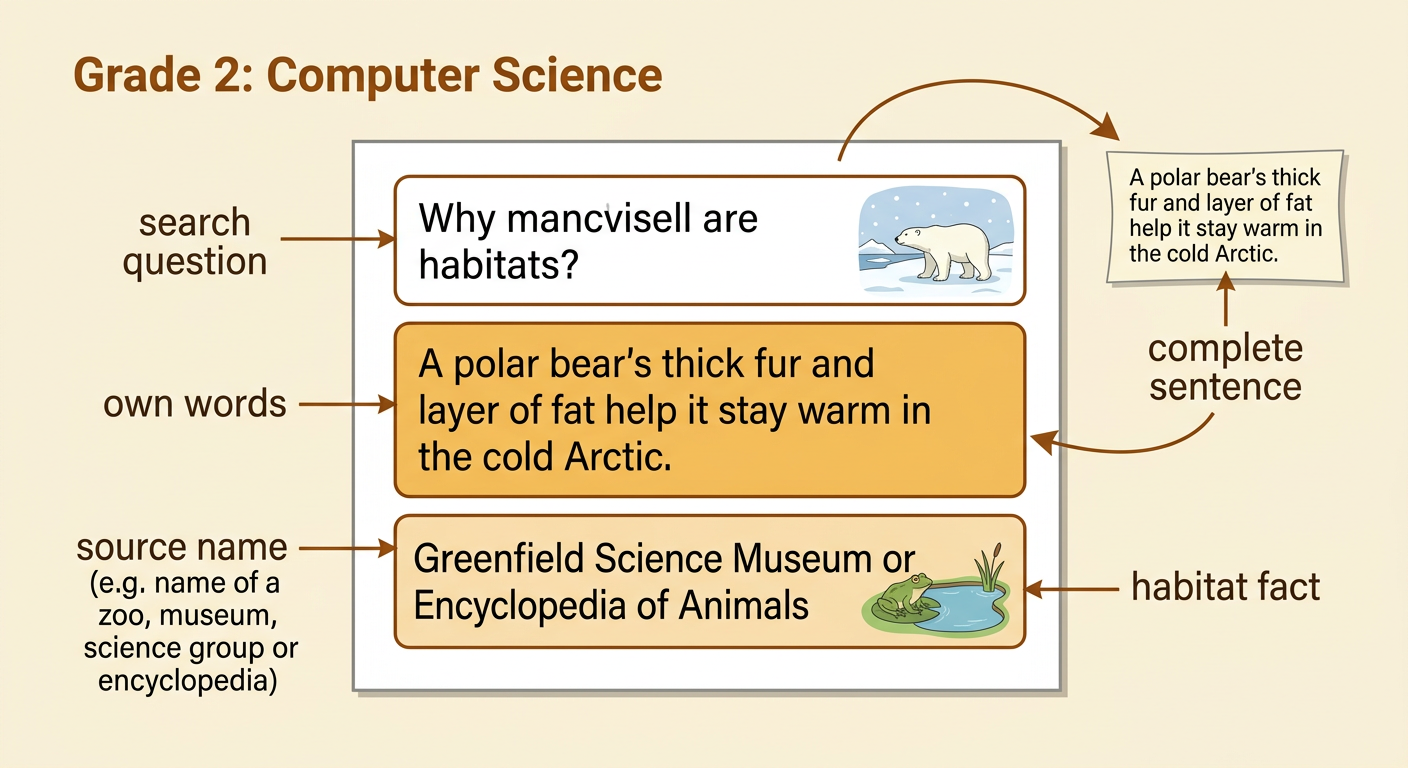
Choose one relevant fact that answers your question. Write the fact in your own words instead of copying a whole sentence. For example, after reading that thick fur and body fat insulate polar bears, you might write, “A polar bear’s thick fur and layer of fat help it stay warm in the cold Arctic.” Then record the source name, such as the name of the zoo, museum, or encyclopedia. Read your note again and make sure it is a complete sentence. Share the fact with a partner or the class. You can explain how the fact connects the animal to its habitat: the Arctic is cold, so features that hold in body heat help a polar bear survive there. Listen to another student’s fact and compare how animals live in different habitats.