
Sort and Count Categories
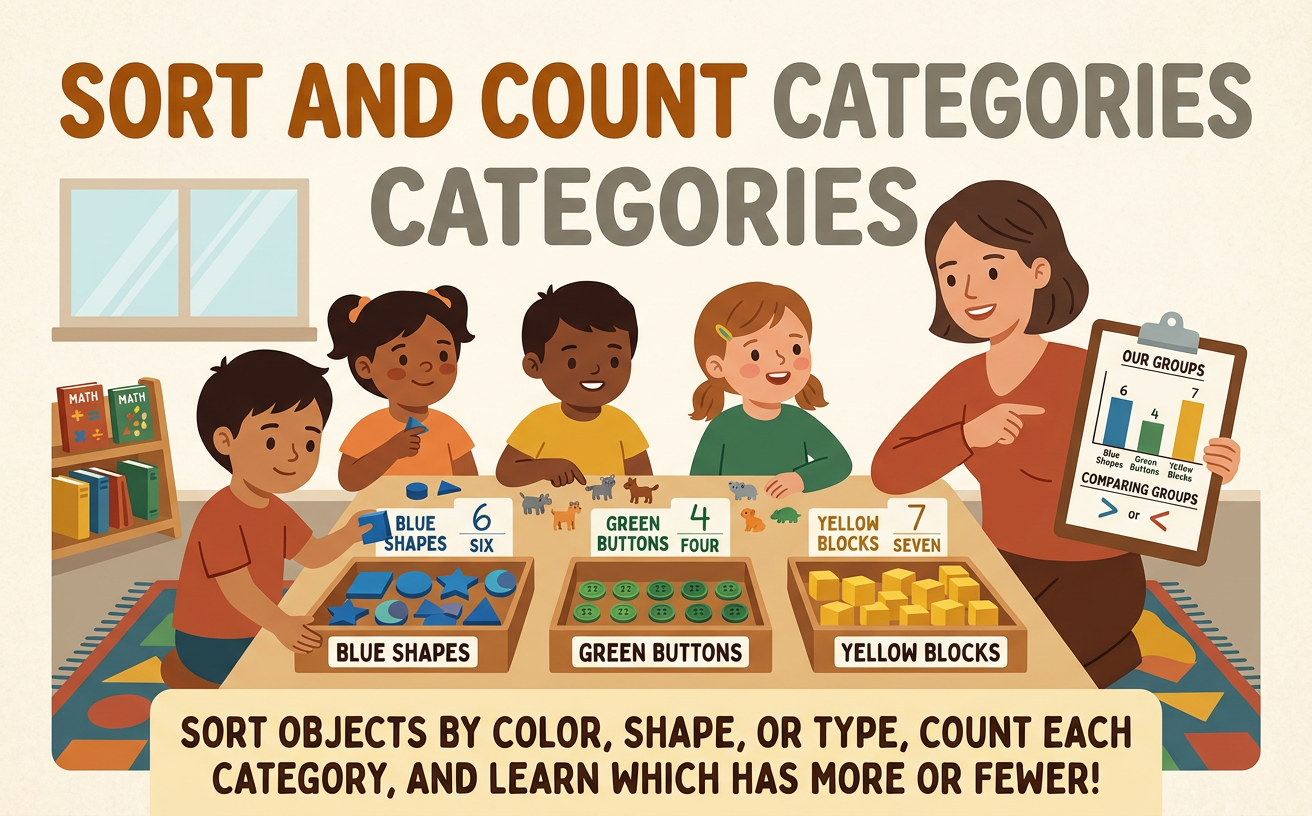
Students sort objects by shared attributes, count each category, and identify which categories contain more or fewer objects.
Illustrations are auto-generated and may be placeholders. They can be refreshed to match the narration.
Notice Object Attributes
An attribute is something you can notice about an object. Look closely at each object and ask, “What do I see?” Objects can have different colors, shapes, or sizes. A button might be blue, round, and small. Another button might be red, round, and large. Some attributes are shared. For example, all blue buttons share the attribute of being blue, even if they are different sizes. Imagine a group of nine buttons: four are blue, three are red, and two are yellow. Before sorting, notice what is the same and what is different. Looking at one attribute at a time helps you find useful groups.
Choose Categories
A category is a group of objects that share an attribute. To sort clearly, choose one rule and use it for every object. We can sort the nine buttons by color. Our categories will be blue, red, and yellow. Every blue button belongs in the blue category, every red button belongs in the red category, and every yellow button belongs in the yellow category. Do not switch to sorting by size halfway through. A large red button still goes in the red category because our rule is color. Say the rule aloud: “Sort by color.” Clear categories help every object find one place, and they make the groups easy to count later.
Sort the Objects
Now place each object in the category where it belongs. Pick up one button at a time. Look at its color, name the color, and move it to the matching group. Put each blue button in the blue category, each red button in the red category, and each yellow button in the yellow category. Continue until no buttons are left outside the groups. Then check your work. Ask, “Does every button match its category?” Also make sure no button was placed in two groups. In our example, the sorted groups contain four blue buttons, three red buttons, and two yellow buttons. Sorting carefully keeps the categories separate and ready to count.
Count Each Category
Count the objects in one category at a time. Touch or point to each object as you say one number. This helps you count every object once and avoid counting an object twice. Start with the blue category: “One, two, three, four.” Write the number 4 beside that group. Count the red category next: “One, two, three.” Write 3. Then count the yellow category: “One, two.” Write 2. The category counts are blue: 4, red: 3, and yellow: 2. Check each count by pointing again. Each number tells how many objects are in that category, and every count is no more than ten.
Order and Compare Categories
After counting, put the categories in order by their counts. You can begin with the category that has the fewest objects. Yellow has 2, red has 3, and blue has 4, so the order from fewest to most is yellow, red, blue. Compare two categories by looking at their counts. Four is more than three, so the blue category has more objects than the red category. Two is fewer than three, so the yellow category has fewer objects than the red category. Blue has the most objects, and yellow has the fewest. Lining up the objects makes comparison easy because a longer row has more objects and a shorter row has fewer.